Managing Low-Battery Conditions

Identifying Low-Battery Conditions

■When a battery pack that is the only source of power available to the computer reaches a low-battery condition

■The system beeps five times.

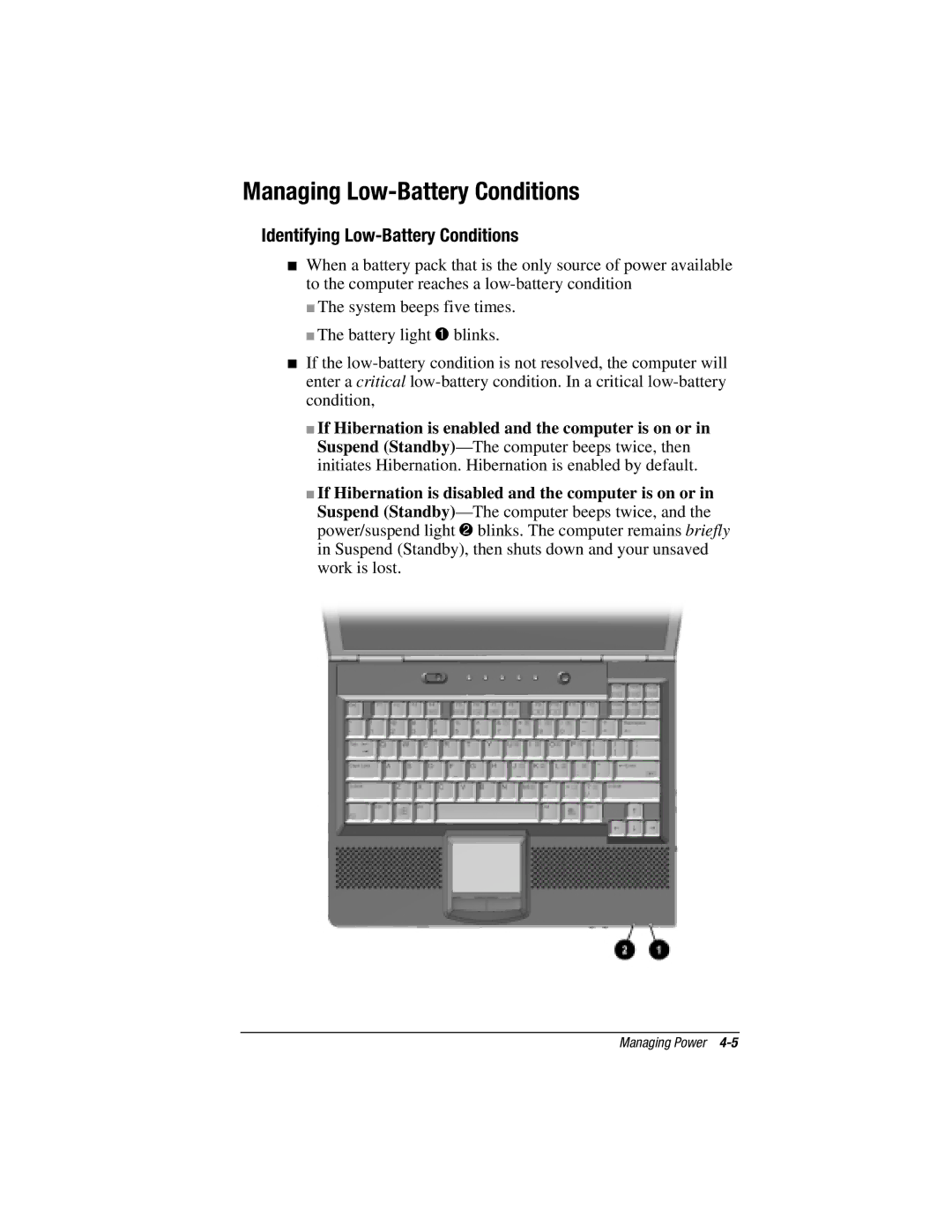
■The battery light 1blinks.

■If the low-battery condition is not resolved, the computer will enter a critical low-battery condition. In a critical low-battery condition,

■If Hibernation is enabled and the computer is on or in Suspend (Standby)—The computer beeps twice, then initiates Hibernation. Hibernation is enabled by default.

■If Hibernation is disabled and the computer is on or in Suspend (Standby)—The computer beeps twice, and the power/suspend light 2blinks. The computer remains briefly in Suspend (Standby), then shuts down and your unsaved work is lost.

Managing Power 4-5

Page 45
Image 45
HP e500s manual Managing Low-Battery Conditions, Identifying Low-Battery Conditions