5Caring for Your Printer
Cleaning for light stripes: printhead
Approximate time to complete: 3-10 minutes
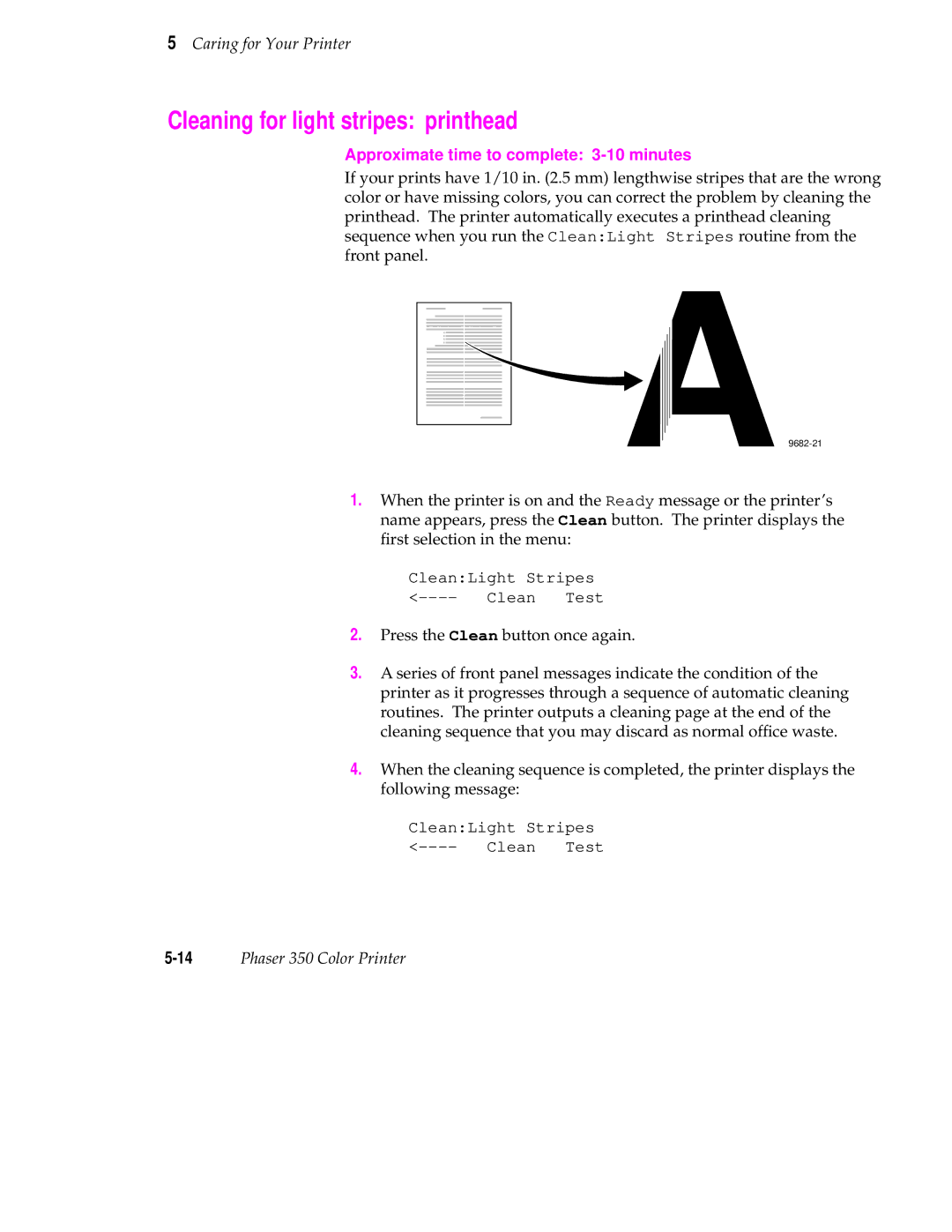
If your prints have 1/10 in. (2.5 mm) lengthwise stripes that are the wrong color or have missing colors, you can correct the problem by cleaning the printhead. The printer automatically executes a printhead cleaning sequence when you run the Clean:Light Stripes routine from the front panel.
1.When the printer is on and the Ready message or the printer’s name appears, press the Clean button. The printer displays the first selection in the menu:
Clean:Light Stripes
2.Press the Clean button once again.
3.A series of front panel messages indicate the condition of the printer as it progresses through a sequence of automatic cleaning routines. The printer outputs a cleaning page at the end of the cleaning sequence that you may discard as normal office waste.
4.When the cleaning sequence is completed, the printer displays the following message:
Clean:Light Stripes