Getting Set Up 2
Loading ink sticks
The printer’s standard accessories include a box containing one of each color Phaser 350 ColorStix® solid ink sticks: cyan, magenta, yellow and black. You’ll need to load the box of ink sticks during printer set up. To ensure that your printer is always available for use, Tektronix recommends that you immediately reorder and maintain a stock of each color ink stick. Refer to “Ordering printer supplies” on page
Note To ensure optimum printing performance and best ink economy, leave the printer turned on overnight and during weekends.
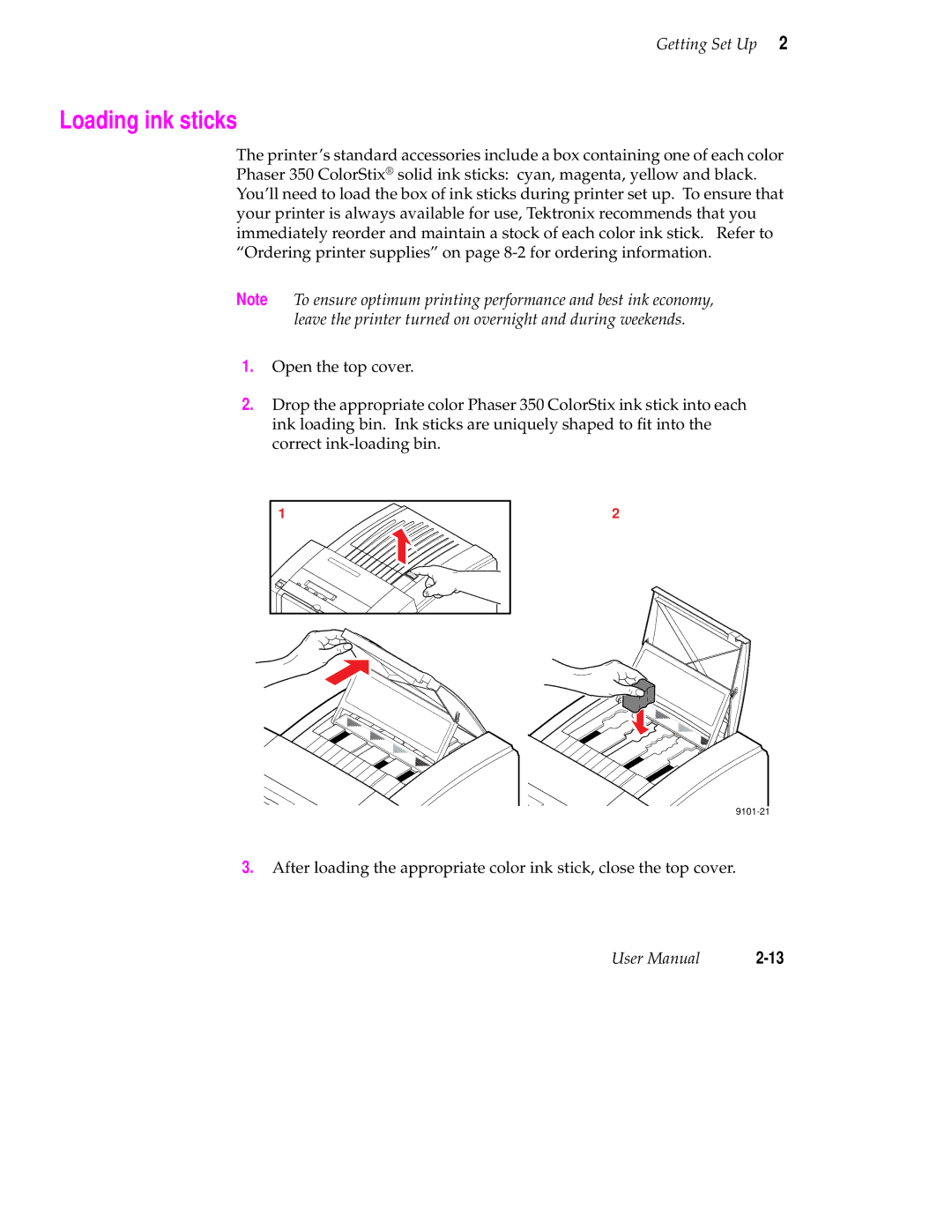
1.Open the top cover.
2.Drop the appropriate color Phaser 350 ColorStix ink stick into each ink loading bin. Ink sticks are uniquely shaped to fit into the correct
1 | 2 |
|
3.After loading the appropriate color ink stick, close the top cover.
User Manual |