Getting Set Up 2
Turning on the printer
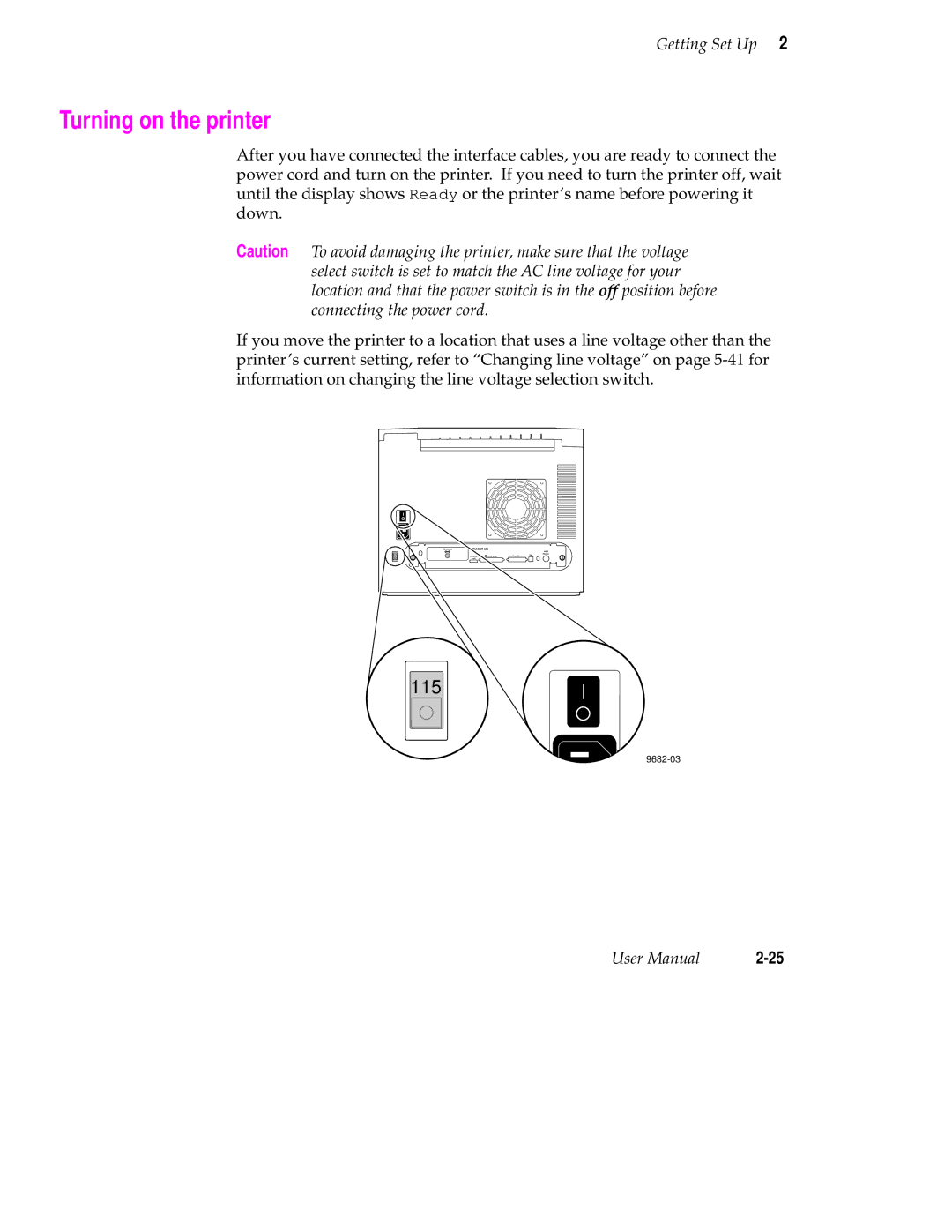
After you have connected the interface cables, you are ready to connect the power cord and turn on the printer. If you need to turn the printer off, wait until the display shows Ready or the printer’s name before powering it down.
Caution To avoid damaging the printer, make sure that the voltage select switch is set to match the AC line voltage for your location and that the power switch is in the off position before connecting the power cord.
If you move the printer to a location that uses a line voltage other than the printer’s current setting, refer to “Changing line voltage” on page
Ethernet® | PHASER 350 |
| AUX | |
115 |
|
|
| Feeder |
Service | SCSI Disk | Parallel | DIP | |
| port |
|
|
|
115
User Manual |