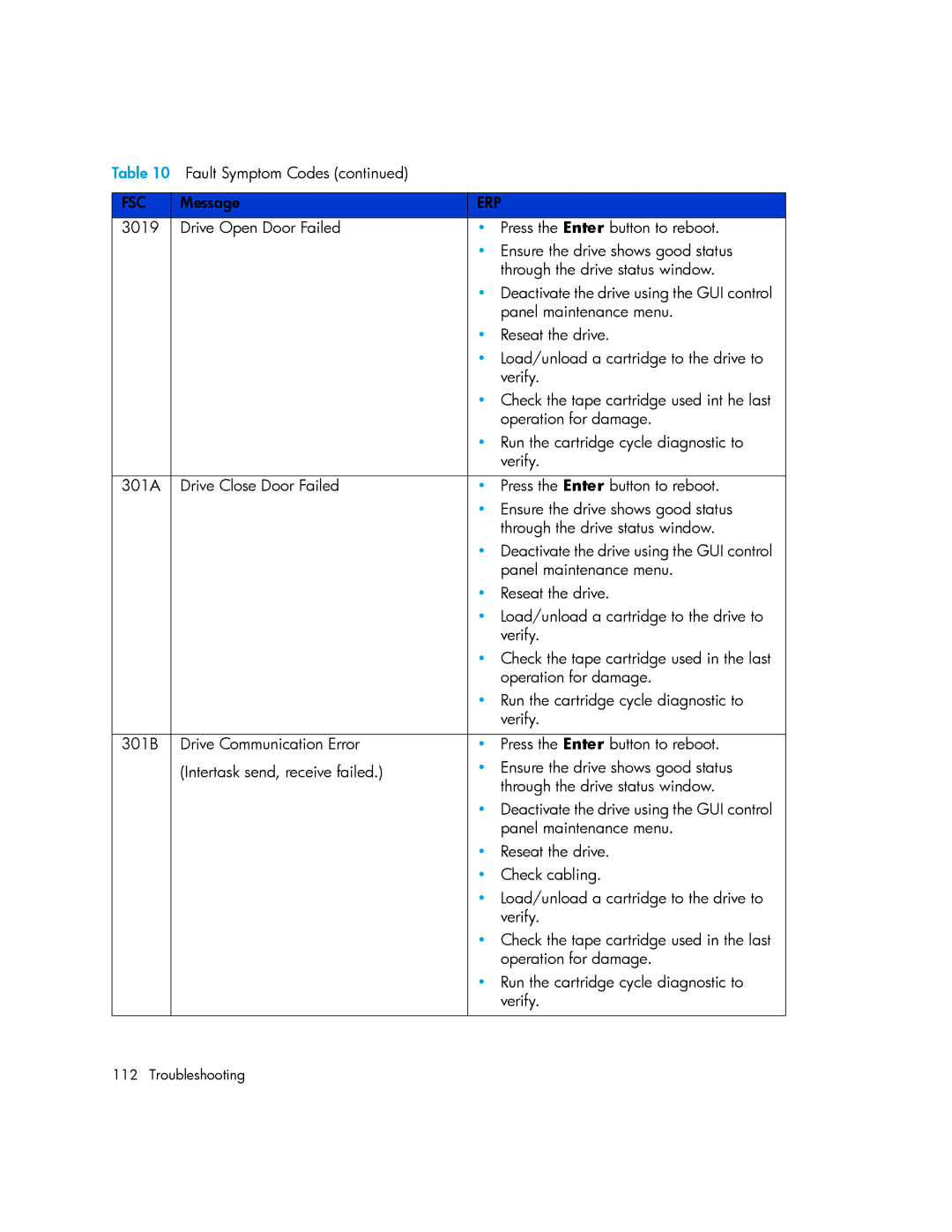
Table 10 Fault Symptom Codes (continued) |
|
| |
|
|
| |
FSC | Message | ERP | |
3019 | Drive Open Door Failed | • | Press the Enter button to reboot. |
|
| • Ensure the drive shows good status | |
|
|
| through the drive status window. |
|
| • Deactivate the drive using the GUI control | |
|
|
| panel maintenance menu. |
|
| • | Reseat the drive. |
|
| • Load/unload a cartridge to the drive to | |
|
|
| verify. |
|
| • Check the tape cartridge used int he last | |
|
|
| operation for damage. |
|
| • Run the cartridge cycle diagnostic to | |
|
|
| verify. |
|
|
|
|
301A | Drive Close Door Failed | • | Press the Enter button to reboot. |
|
| • Ensure the drive shows good status | |
|
|
| through the drive status window. |
|
| • Deactivate the drive using the GUI control | |
|
|
| panel maintenance menu. |
|
| • | Reseat the drive. |
|
| • Load/unload a cartridge to the drive to | |
|
|
| verify. |
|
| • Check the tape cartridge used in the last | |
|
|
| operation for damage. |
|
| • Run the cartridge cycle diagnostic to | |
|
|
| verify. |
|
|
|
|
301B | Drive Communication Error | • | Press the Enter button to reboot. |
| (Intertask send, receive failed.) | • | Ensure the drive shows good status |
|
|
| through the drive status window. |
|
| • Deactivate the drive using the GUI control | |
|
|
| panel maintenance menu. |
|
| • | Reseat the drive. |
|
| • | Check cabling. |
|
| • Load/unload a cartridge to the drive to | |
|
|
| verify. |
|
| • Check the tape cartridge used in the last | |
|
|
| operation for damage. |
|
| • Run the cartridge cycle diagnostic to | |
|
|
| verify. |
|
|
|
|
112 Troubleshooting