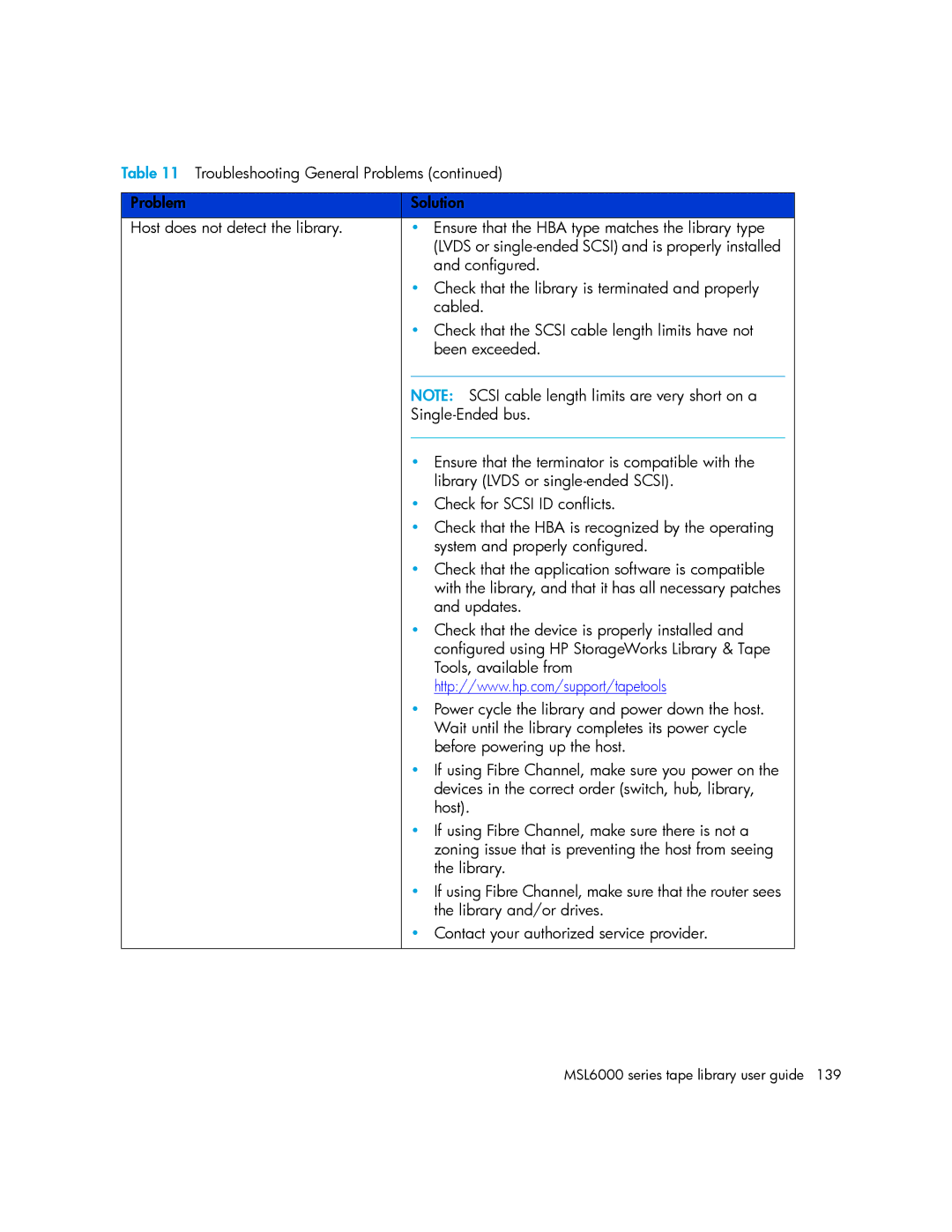
Table 11 Troubleshooting General Problems (continued)
Problem |
| Solution |
|
Host does not detect the library. |
| • Ensure that the HBA type matches the library type |
|
|
| (LVDS or |
|
|
| and configured. |
|
|
| • Check that the library is terminated and properly |
|
|
| cabled. |
|
|
| • Check that the SCSI cable length limits have not |
|
|
| been exceeded. |
|
|
|
|
|
|
| NOTE: SCSI cable length limits are very short on a |
|
|
|
| |
|
|
|
|
|
| • Ensure that the terminator is compatible with the |
|
|
| library (LVDS or |
|
|
| • Check for SCSI ID conflicts. |
|
|
| • Check that the HBA is recognized by the operating |
|
|
| system and properly configured. |
|
|
| • Check that the application software is compatible |
|
|
| with the library, and that it has all necessary patches |
|
|
| and updates. |
|
|
| • Check that the device is properly installed and |
|
|
| configured using HP StorageWorks Library & Tape |
|
|
| Tools, available from |
|
|
| http://www.hp.com/support/tapetools |
|
|
| • Power cycle the library and power down the host. |
|
|
| Wait until the library completes its power cycle |
|
|
| before powering up the host. |
|
|
| • If using Fibre Channel, make sure you power on the |
|
|
| devices in the correct order (switch, hub, library, |
|
|
| host). |
|
|
| • If using Fibre Channel, make sure there is not a |
|
|
| zoning issue that is preventing the host from seeing |
|
|
| the library. |
|
|
| • If using Fibre Channel, make sure that the router sees |
|
|
| the library and/or drives. |
|
|
| • Contact your authorized service provider. |
|
|
|
|
|