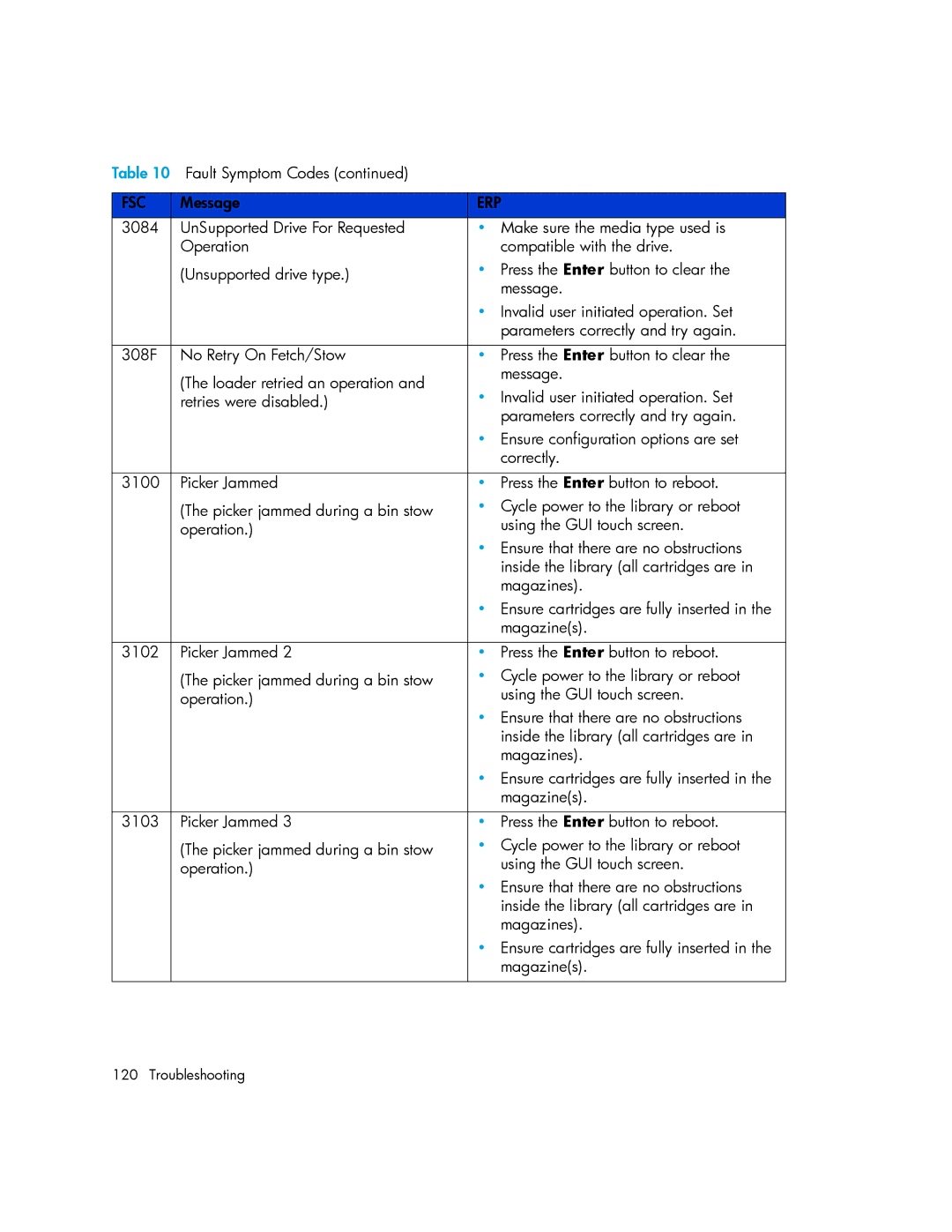
Table 10 Fault Symptom Codes (continued) |
| |
|
|
|
FSC | Message | ERP |
3084 | UnSupported Drive For Requested | • Make sure the media type used is |
| Operation | compatible with the drive. |
| (Unsupported drive type.) | • Press the Enter button to clear the |
|
| message. |
|
| • Invalid user initiated operation. Set |
|
| parameters correctly and try again. |
|
|
|
308F | No Retry On Fetch/Stow | • Press the Enter button to clear the |
| (The loader retried an operation and | message. |
| • Invalid user initiated operation. Set | |
| retries were disabled.) | |
|
| parameters correctly and try again. |
|
| • Ensure configuration options are set |
|
| correctly. |
|
|
|
3100 | Picker Jammed | • Press the Enter button to reboot. |
| (The picker jammed during a bin stow | • Cycle power to the library or reboot |
| operation.) | using the GUI touch screen. |
|
| • Ensure that there are no obstructions |
|
| inside the library (all cartridges are in |
|
| magazines). |
|
| • Ensure cartridges are fully inserted in the |
|
| magazine(s). |
|
|
|
3102 | Picker Jammed 2 | • Press the Enter button to reboot. |
| (The picker jammed during a bin stow | • Cycle power to the library or reboot |
| operation.) | using the GUI touch screen. |
|
| • Ensure that there are no obstructions |
|
| inside the library (all cartridges are in |
|
| magazines). |
|
| • Ensure cartridges are fully inserted in the |
|
| magazine(s). |
|
|
|
3103 | Picker Jammed 3 | • Press the Enter button to reboot. |
| (The picker jammed during a bin stow | • Cycle power to the library or reboot |
| operation.) | using the GUI touch screen. |
|
| • Ensure that there are no obstructions |
|
| inside the library (all cartridges are in |
|
| magazines). |
|
| • Ensure cartridges are fully inserted in the |
|
| magazine(s). |
|
|
|
120 Troubleshooting