Viewing Target Information
Target Information contains information specific to the selected storage device. To view target information:
1.Do one of the following:
•From the menu bar, click View, then click Sort by Host Name.
• From the toolbar, click the Sort by Host Name button: .
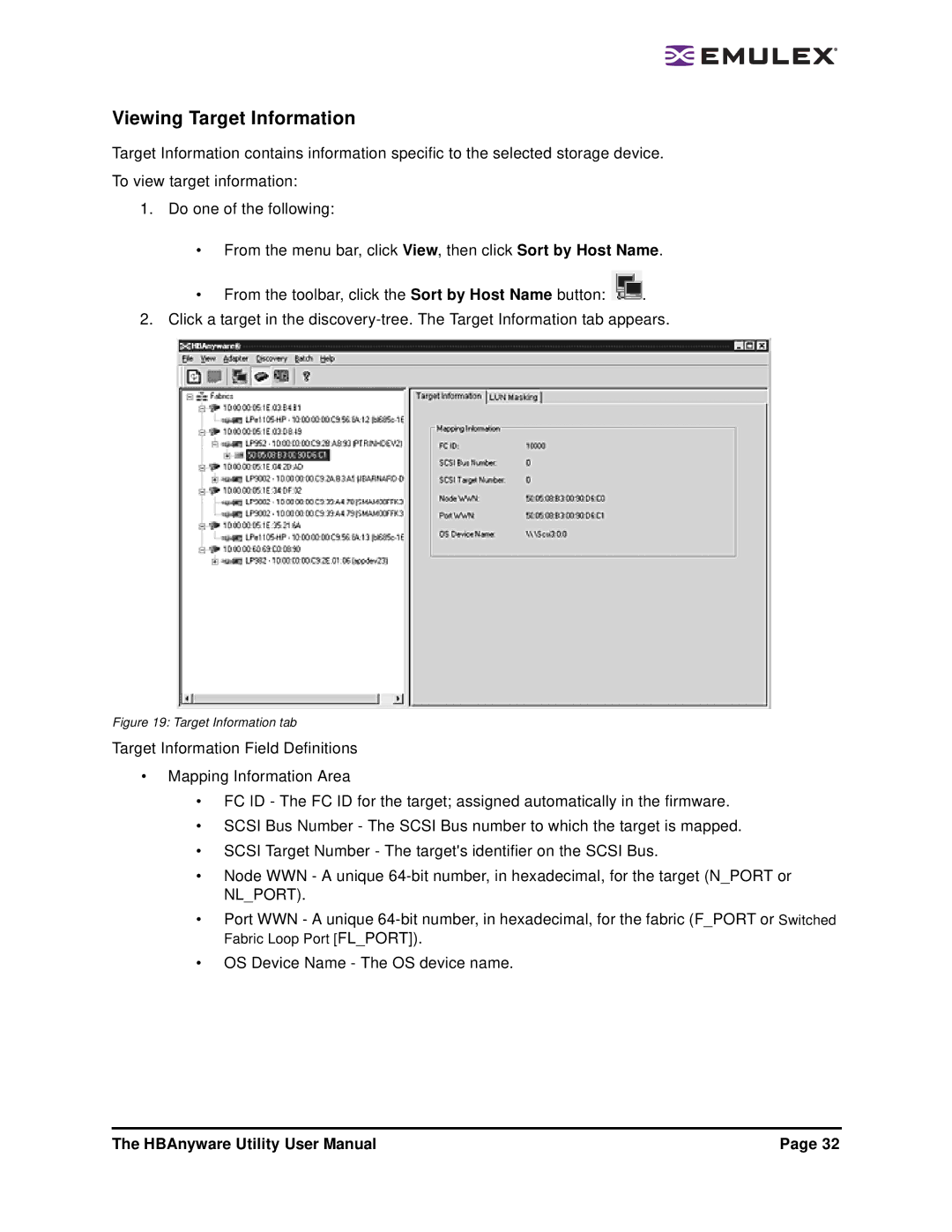
2. Click a target in the
Figure 19: Target Information tab
Target Information Field Definitions
•Mapping Information Area
•FC ID - The FC ID for the target; assigned automatically in the firmware.
•SCSI Bus Number - The SCSI Bus number to which the target is mapped.
•SCSI Target Number - The target's identifier on the SCSI Bus.
•Node WWN - A unique
•Port WWN - A unique
•OS Device Name - The OS device name.
The HBAnyware Utility User Manual | Page 32 |