Memory Address Conflicts
Memory address conflicts occur when two or more devices try to access the same address in the upper memory blocks. For example, if a network expansion card and an
To resolve this type of conflict, you can change the address of one of the devices. For example, in the case of the network expansion card and
Interrupt Assignment Conflicts
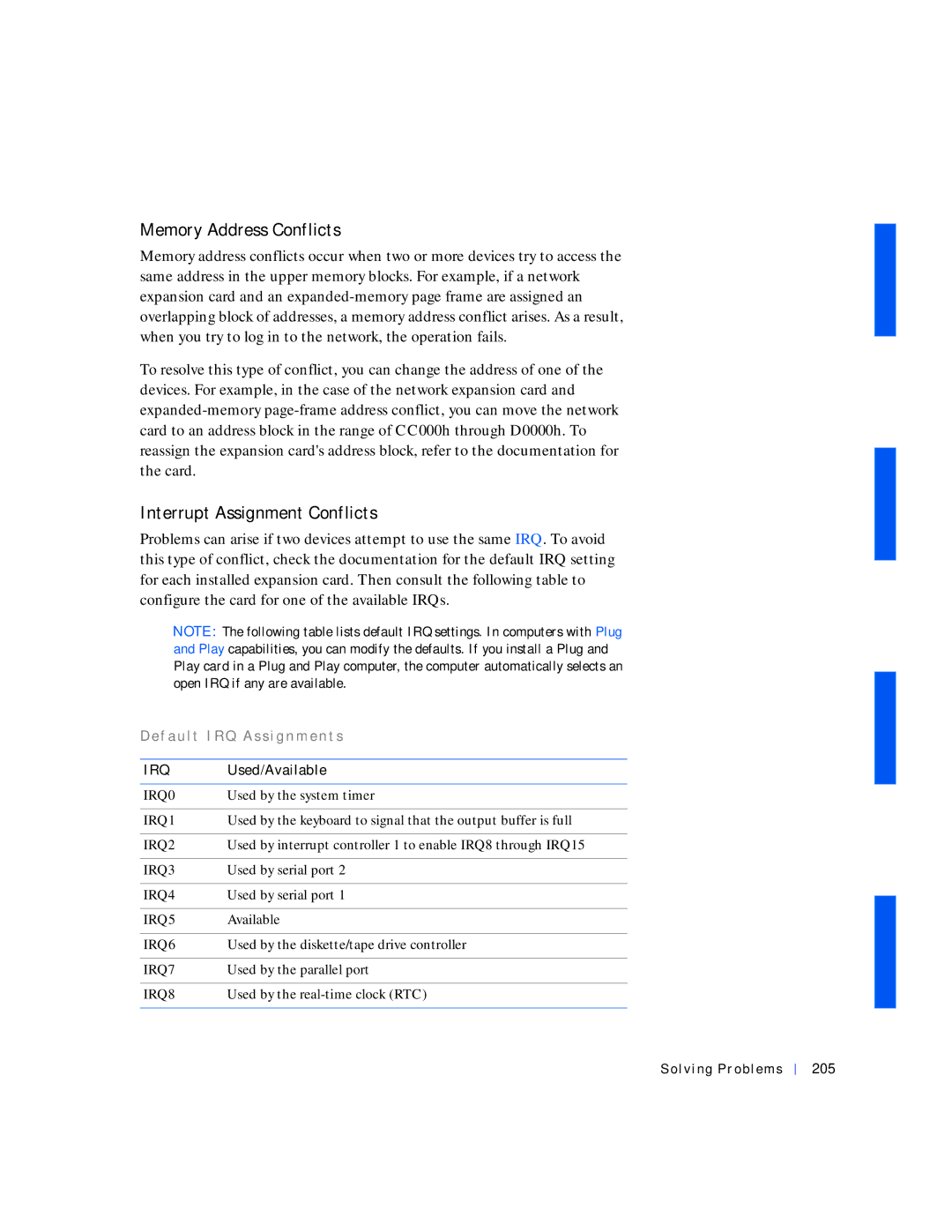
Problems can arise if two devices attempt to use the same IRQ. To avoid this type of conflict, check the documentation for the default IRQ setting for each installed expansion card. Then consult the following table to configure the card for one of the available IRQs.
NOTE: The following table lists default IRQ settings. In computers with Plug and Play capabilities, you can modify the defaults. If you install a Plug and Play card in a Plug and Play computer, the computer automatically selects an open IRQ if any are available.
D e f a u l t I R Q A s s i g n m e n t s
IRQ | Used/Available |
|
|
IRQ0 | Used by the system timer |
|
|
IRQ1 | Used by the keyboard to signal that the output buffer is full |
|
|
IRQ2 | Used by interrupt controller 1 to enable IRQ8 through IRQ15 |
|
|
IRQ3 | Used by serial port 2 |
|
|
IRQ4 | Used by serial port 1 |
|
|
IRQ5 | Available |
|
|
IRQ6 | Used by the diskette/tape drive controller |
|
|
IRQ7 | Used by the parallel port |
|
|
IRQ8 | Used by the |
|
|