a77ug122
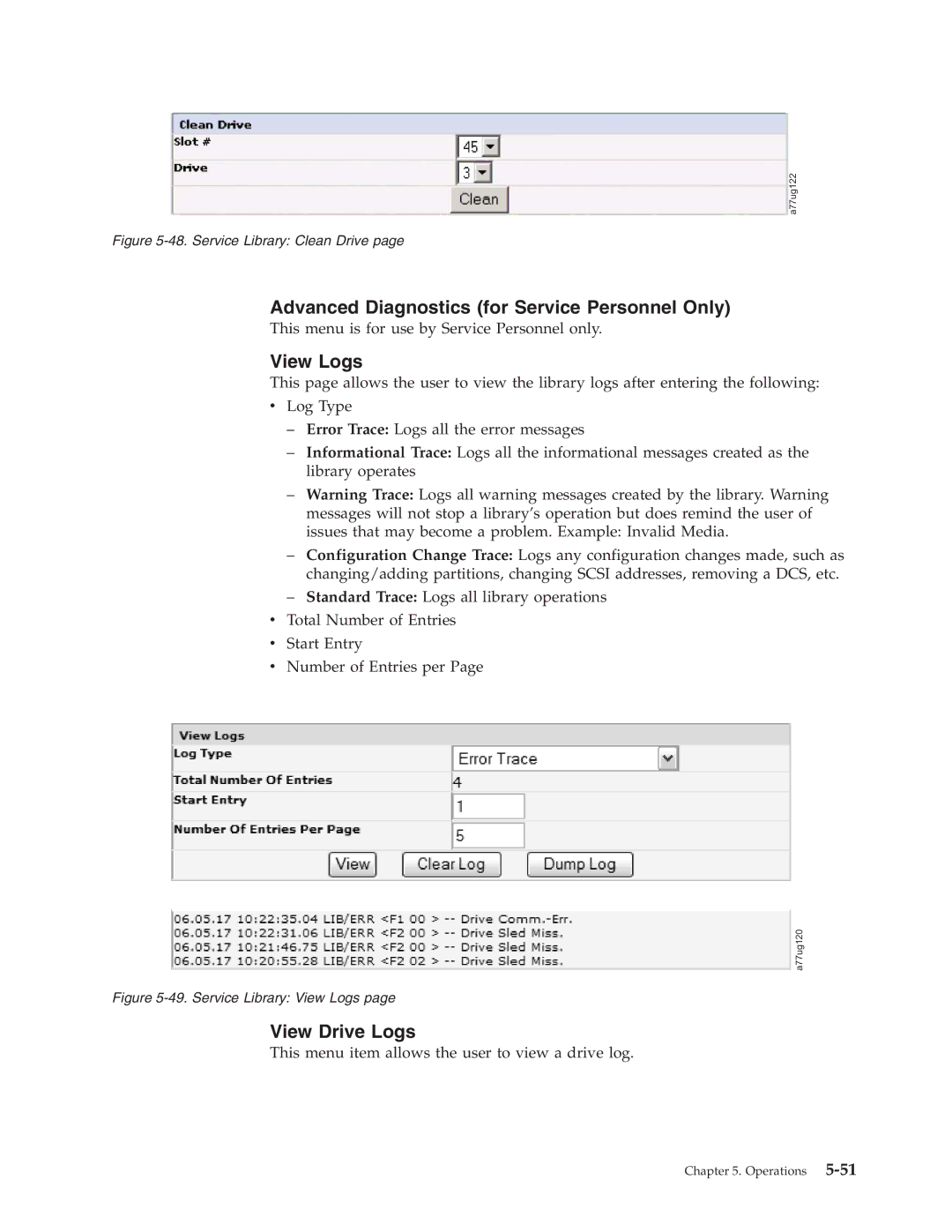
Figure 5-48. Service Library: Clean Drive page
Advanced Diagnostics (for Service Personnel Only)
This menu is for use by Service Personnel only.
View Logs
This page allows the user to view the library logs after entering the following:
vLog Type
–Error Trace: Logs all the error messages
–Informational Trace: Logs all the informational messages created as the library operates
–Warning Trace: Logs all warning messages created by the library. Warning messages will not stop a library’s operation but does remind the user of issues that may become a problem. Example: Invalid Media.
–Configuration Change Trace: Logs any configuration changes made, such as changing/adding partitions, changing SCSI addresses, removing a DCS, etc.
–Standard Trace: Logs all library operations
vTotal Number of Entries
vStart Entry
vNumber of Entries per Page
a77ug120
Figure 5-49. Service Library: View Logs page
View Drive Logs
This menu item allows the user to view a drive log.
Chapter 5. Operations