a66mi097
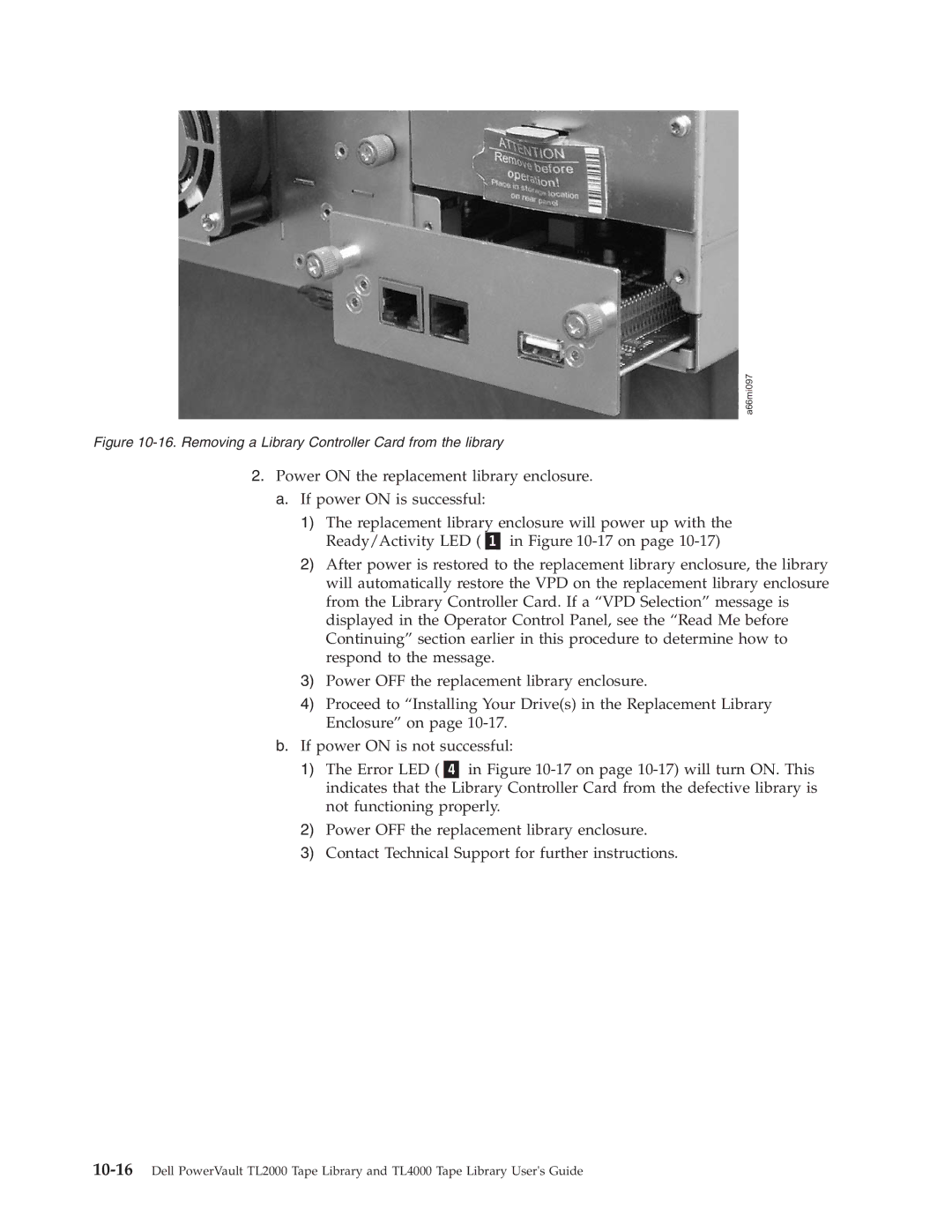
Figure 10-16. Removing a Library Controller Card from the library
2.Power ON the replacement library enclosure. a. If power ON is successful:
1)The replacement library enclosure will power up with the
Ready/Activity LED ( | in Figure |
2)After power is restored to the replacement library enclosure, the library will automatically restore the VPD on the replacement library enclosure from the Library Controller Card. If a “VPD Selection” message is displayed in the Operator Control Panel, see the “Read Me before Continuing” section earlier in this procedure to determine how to respond to the message.
3)Power OFF the replacement library enclosure.
4)Proceed to “Installing Your Drive(s) in the Replacement Library Enclosure” on page
b.If power ON is not successful:
1) The Error LED ( in Figure
2)Power OFF the replacement library enclosure.
3)Contact Technical Support for further instructions.