CHAPTER 3
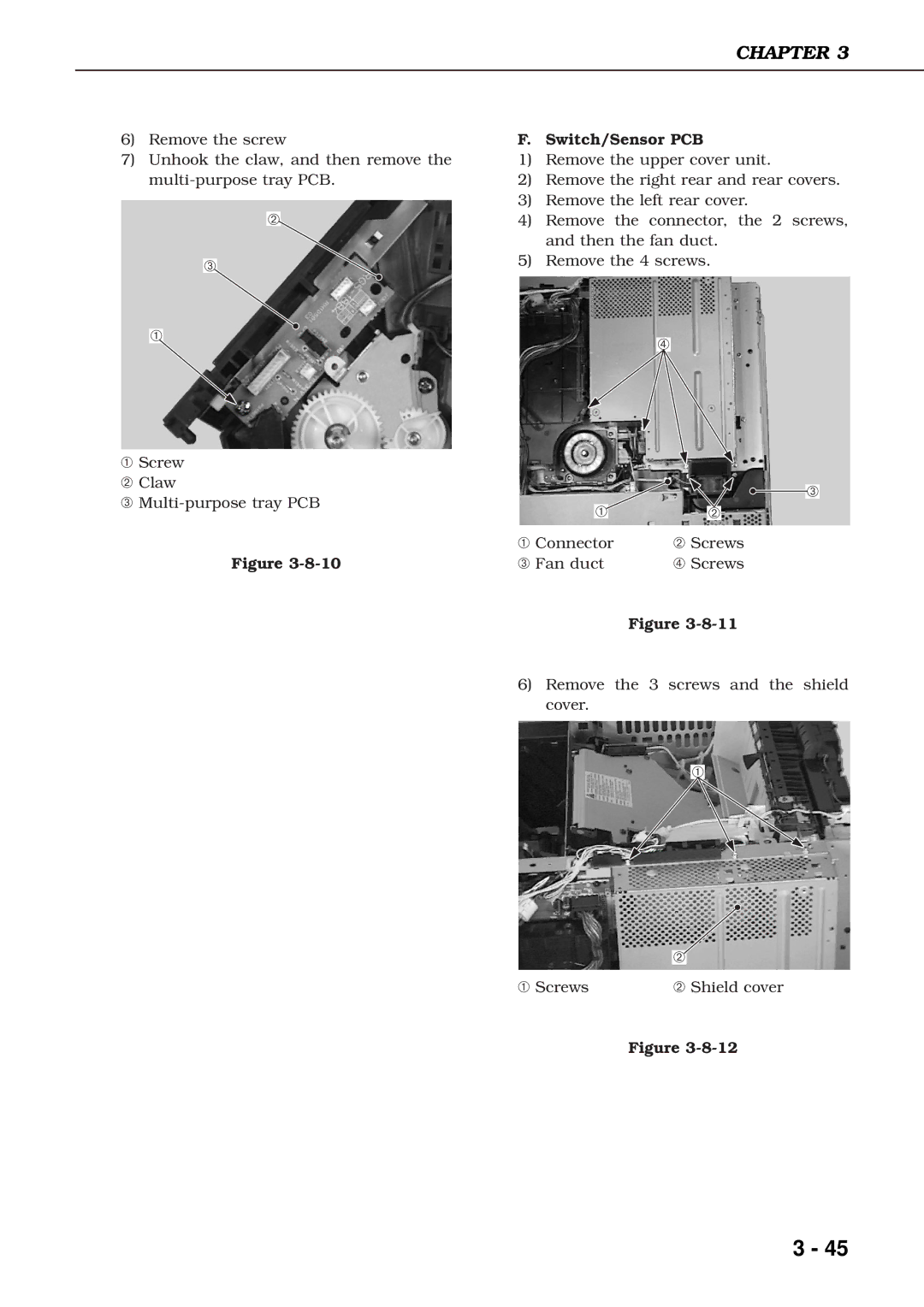
6)Remove the screw
7)Unhook the claw, and then remove the
➁
➂
➀
F. Switch/Sensor PCB
1)Remove the upper cover unit.
2)Remove the right rear and rear covers.
3)Remove the left rear cover.
4)Remove the connector, the 2 screws, and then the fan duct.
5)Remove the 4 screws.
➃
➀Screw
➁ Claw
➂
Figure
➂
➀ | ➁ |
➀ Connector | ➁ Screws |
➂ Fan duct | ➃ Screws |
| Figure |
6)Remove the 3 screws and the shield cover.
➀
| ➁ |
➀ Screws | ➁ Shield cover |
Figure
3 - 45