Configuring RIP
Verifying the RIP Configuration
OmniSwitch 6600 Family Network Configuration Guide
April 2006
page 16-15
Configuring Passwords
If you configure simple or MD5 authentication you must configure a text string that will be used as the
password for the RIP interface. If a password is used, all switches that are intended to communicate with
each other must share the same password.
After configuring the interface for simple authentication as described above, configure the password for
the interface using the
command. Enter the IP address of the RIP interface, then
enter a 16-byte text string. For example to configure a password “nms” you would enter:
-> ip rip interface 172.22.2.115 auth-key nms
Verifying the RIP Configuration
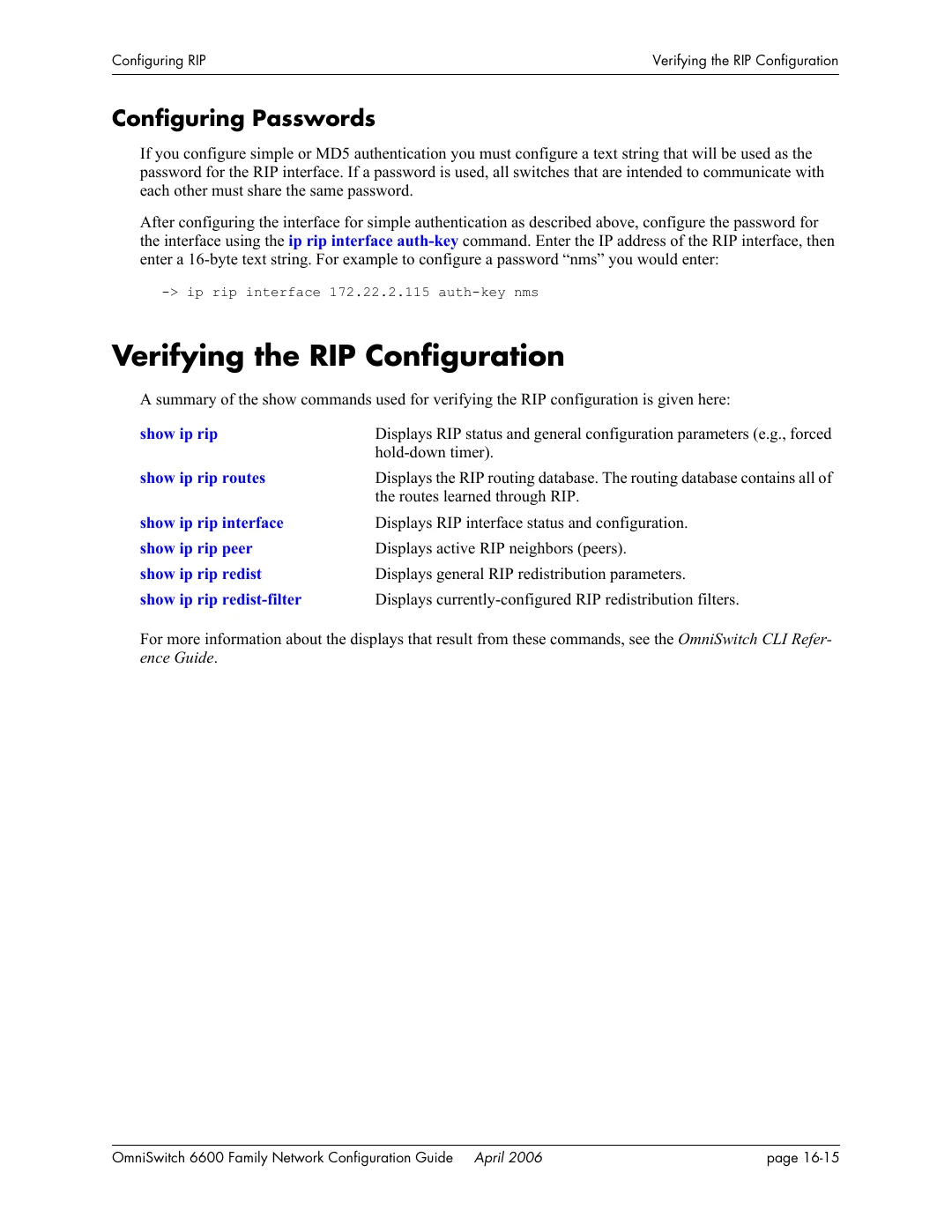
A summary of the show commands used for verifying the RIP configuration is given here:
For more information about the displays that result from these commands, see the
OmniSwitch CLI Refer-
ence Guide
.
Displays RIP status and general configuration parameters (e.g., forced
hold-down timer).
Displays the RIP routing database. The routing database contains all of
the routes learned through RIP.
Displays RIP interface status and configuration.
Displays active RIP neighbors (peers).
Displays general RIP redistribution parameters.