5.Press the <Enter> button to select the desired option.
Copying the Boot Code (BOOT)
When you upload new software to
To accept and store the new boot code using the TEST menu:
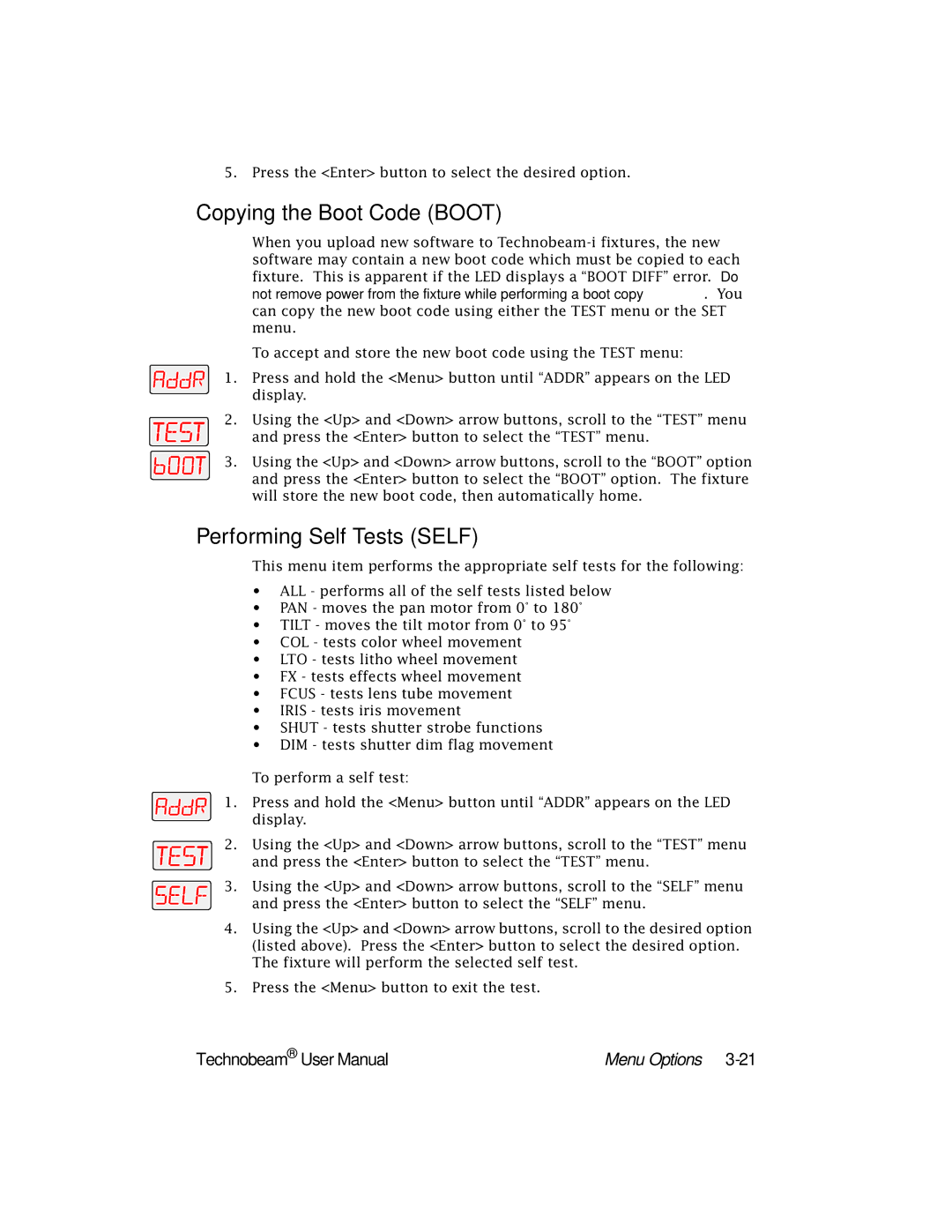
1. Press and hold the <Menu> button until “ADDR” appears on the LED display.
2.Using the <Up> and <Down> arrow buttons, scroll to the “TEST” menu
and press the <Enter> button to select the “TEST” menu.
3. Using the <Up> and <Down> arrow buttons, scroll to the “BOOT” option and press the <Enter> button to select the “BOOT” option. The fixture will store the new boot code, then automatically home.
Performing Self Tests (SELF)
This menu item performs the appropriate self tests for the following:
•ALL - performs all of the self tests listed below
•PAN - moves the pan motor from 0° to 180°
•TILT - moves the tilt motor from 0° to 95°
•COL - tests color wheel movement
•LTO - tests litho wheel movement
•FX - tests effects wheel movement
•FCUS - tests lens tube movement
•IRIS - tests iris movement
•SHUT - tests shutter strobe functions
•DIM - tests shutter dim flag movement
To perform a self test:
1. Press and hold the <Menu> button until “ADDR” appears on the LED display.
2.Using the <Up> and <Down> arrow buttons, scroll to the “TEST” menu
and press the <Enter> button to select the “TEST” menu.
3. Using the <Up> and <Down> arrow buttons, scroll to the “SELF” menu and press the <Enter> button to select the “SELF” menu.
4.Using the <Up> and <Down> arrow buttons, scroll to the desired option (listed above). Press the <Enter> button to select the desired option. The fixture will perform the selected self test.
5.Press the <Menu> button to exit the test.
Technobeam® User Manual | Menu Options |