Printing Functions
Reception Time
You can have the date and time when a message was received printed at the bottom of the received image. This feature is turned off by
Limitation
❒When a received message is print- ed on two or more sheets, the date and time is printed on the last page.

 Note
Note
❒The date and time when the mes- sage was printed can also be re- corded on the message. If you need this feature, please contact your service representative.
Image Rotation
If you have installed paper in the cas- sette portrait K, incoming fax mes- sages will be rotated automatically to fit on the paper.
your machine |
ND1X00E9 |
Page Separation and Length
Reduction (Not Available in
Some Countries)
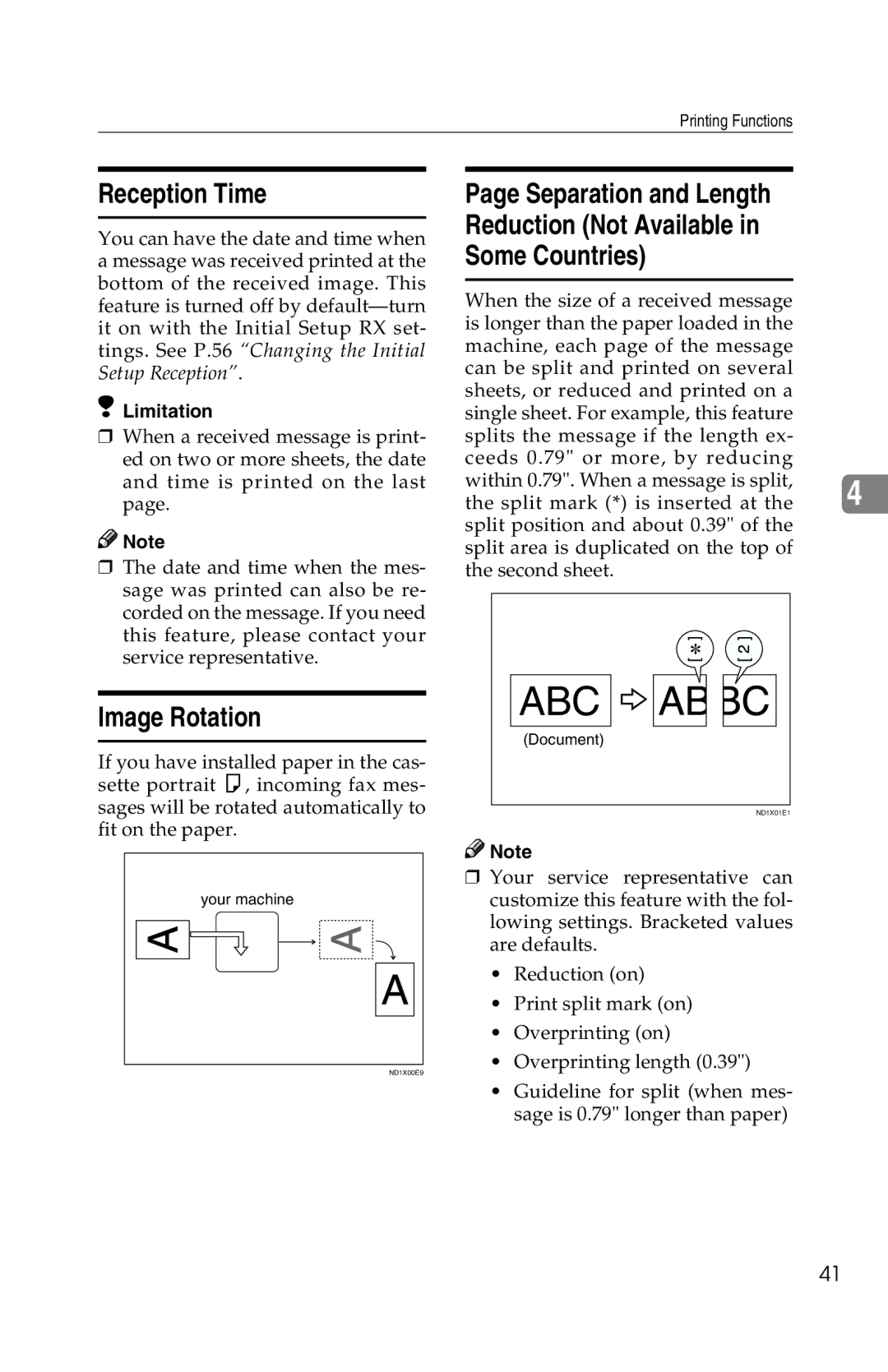
When the size of a received message is longer than the paper loaded in the machine, each page of the message can be split and printed on several sheets, or reduced and printed on a single sheet. For example, this feature splits the message if the length ex- ceeds 0.79" or more, by reducing within 0.79". When a message is split,
the split mark (*) is inserted at the 4 split position and about 0.39" of the
split area is duplicated on the top of the second sheet.
ABC 


(Document)
ND1X01E1

 Note
Note
❒Your service representative can customize this feature with the fol- lowing settings. Bracketed values are defaults.
•Reduction (on)
•Print split mark (on)
•Overprinting (on)
•Overprinting length (0.39")
•Guideline for split (when mes- sage is 0.79" longer than paper)
41