Faxing
Immediate Transmission
With Immediate Transmission, when you press the {Start} key, the fax number is dialed immediately. The message is scanned and transmitted page by page without being stored in
2 memory. This contrasts with Memory Transmission which scans all pages into memory before dialing the desti- nation.
Immediate Transmission is useful if you want immediate confirmation that the message is being sent to the correct destination (just check the oth- er terminal's Own Name or Own Fax Number on the display during trans- mission).

 Note
Note
❒ You cannot send the same message to multiple destinations (Broad- casting). Use Memory Transmis- sion for this purpose.
❒ Place the original on the exposure glass or in the Document Feeder. To send two or more pages from the exposure glass, set them one page at a time.
❒ You can scan some pages of your original from the exposure glass and the remainder from the Docu- ment Feeder. When you have fin- ished scanning from the exposure glass, place the remainder of the pages in the Document Feeder and press the {Start} key within ten sec- onds.
❒ By default, the transmission mode selected when the machine is turned on or when modes are cleared (transmission mode home setting) is Memory Transmission. You can change this with the User Parameters.
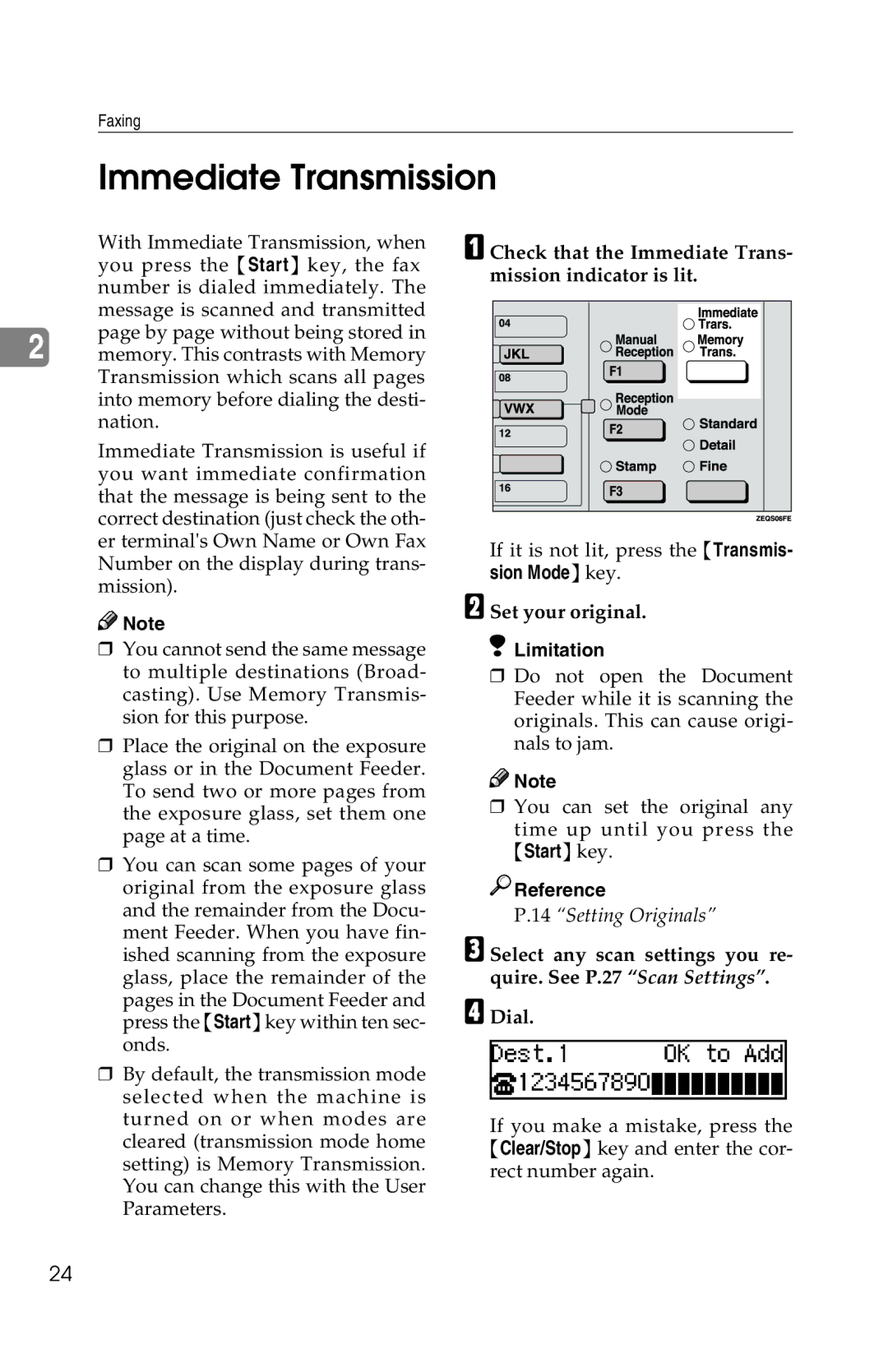
A Check that the Immediate Trans- mission indicator is lit.
If it is not lit, press the {Transmis- sion Mode} key.
B Set your original.
 Limitation
❒Do not open the Document Feeder while it is scanning the originals. This can cause origi- nals to jam.

 Note
Note
❒You can set the original any
time up until you press the
{Start} key.

 Reference
P.14 “Setting Originals”
C Select any scan settings you re-
quire. See P.27 “Scan Settings”.
DDial.
If you make a mistake, press the {Clear/Stop} key and enter the cor- rect number again.
24