Getting Started
Standby Display |
| Display Prompts |
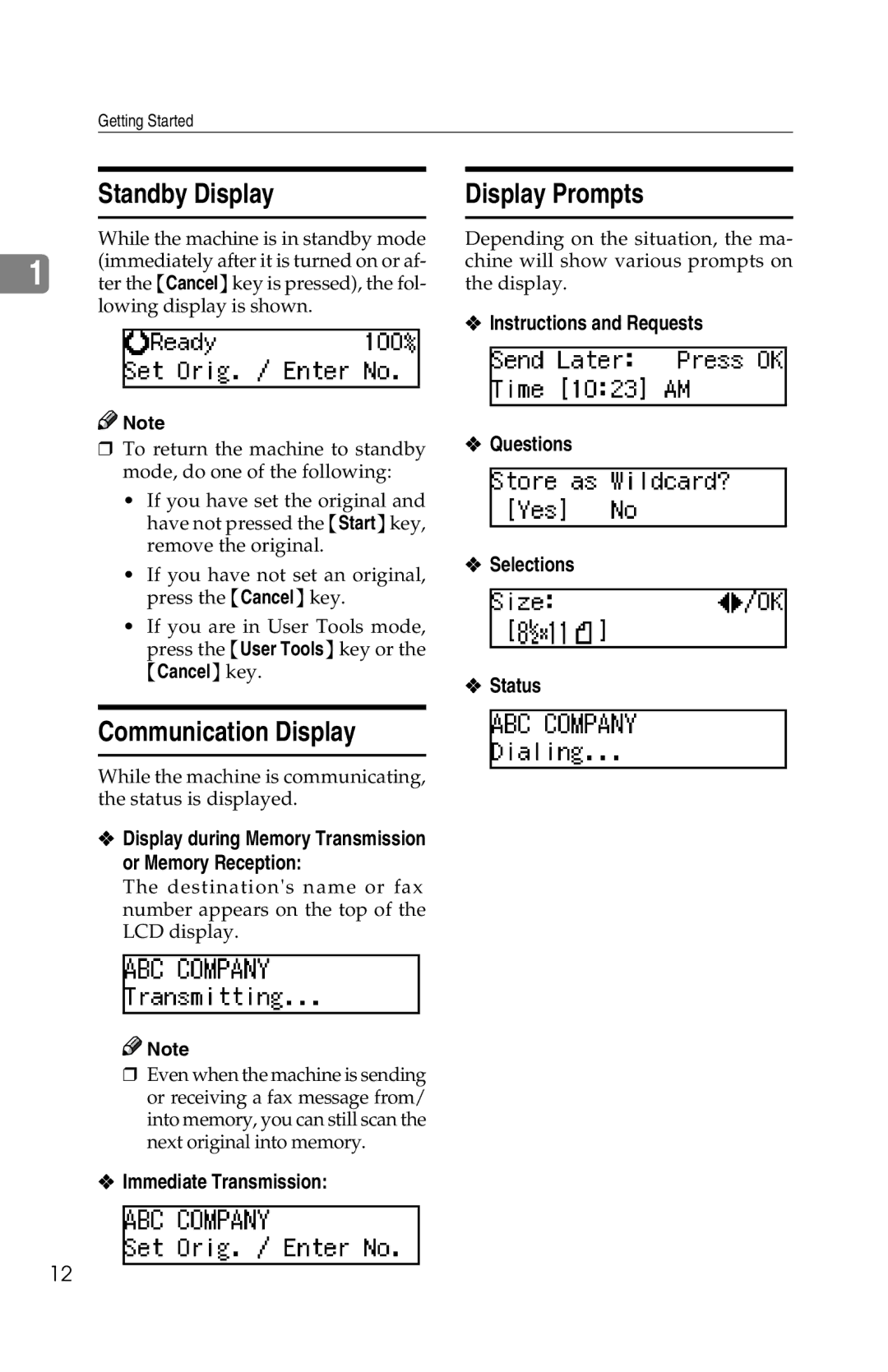
While the machine is in standby mode (immediately after it is turned on or af-
1 ter the {Cancel} key is pressed), the fol- lowing display is shown.

 Note
Note
❒ To return the machine to standby mode, do one of the following:
• If you have set the original and have not pressed the {Start} key, remove the original.
• If you have not set an original, press the {Cancel} key.
• If you are in User Tools mode, press the {User Tools} key or the {Cancel} key.
Depending on the situation, the ma- chine will show various prompts on the display.
❖Instructions and Requests
❖Questions
❖Selections
❖Status
Communication Display
While the machine is communicating, the status is displayed.
❖Display during Memory Transmission or Memory Reception:
The destination's name or fax number appears on the top of the LCD display.

 Note
Note
❒Even when the machine is sending or receiving a fax message from/ into memory, you can still scan the next original into memory.
❖Immediate Transmission:
12