Faxing
B Set the original.
Limitation
❒You can send the first pages from the exposure glass then the remaining pages from the Document Feeder. After you
2place the last page on the expo- sure glass, you have 60 seconds to insert the remaining pages in the Document Feeder.
❒Note that you cannot place pag- es on the exposure glass after you have started using the Doc- ument Feeder.
❒Do not open the Document Feeder while it is scanning in originals.

 Note
Note
❒Place the original you want to store in memory on the expo- sure glass or the Document Feeder. To store multiple page originals from the exposure glass, set them page by page.
❒The original can be placed at ei- ther Document Feeder or expo-
sure glass until you press the
{Start} key.
❒The original can be placed at
any time up until you press the
{Start} key.

 Reference
P.14 “Setting Originals”
C Select any scan settings you re- quire. See P.27 “Scan Settings”.
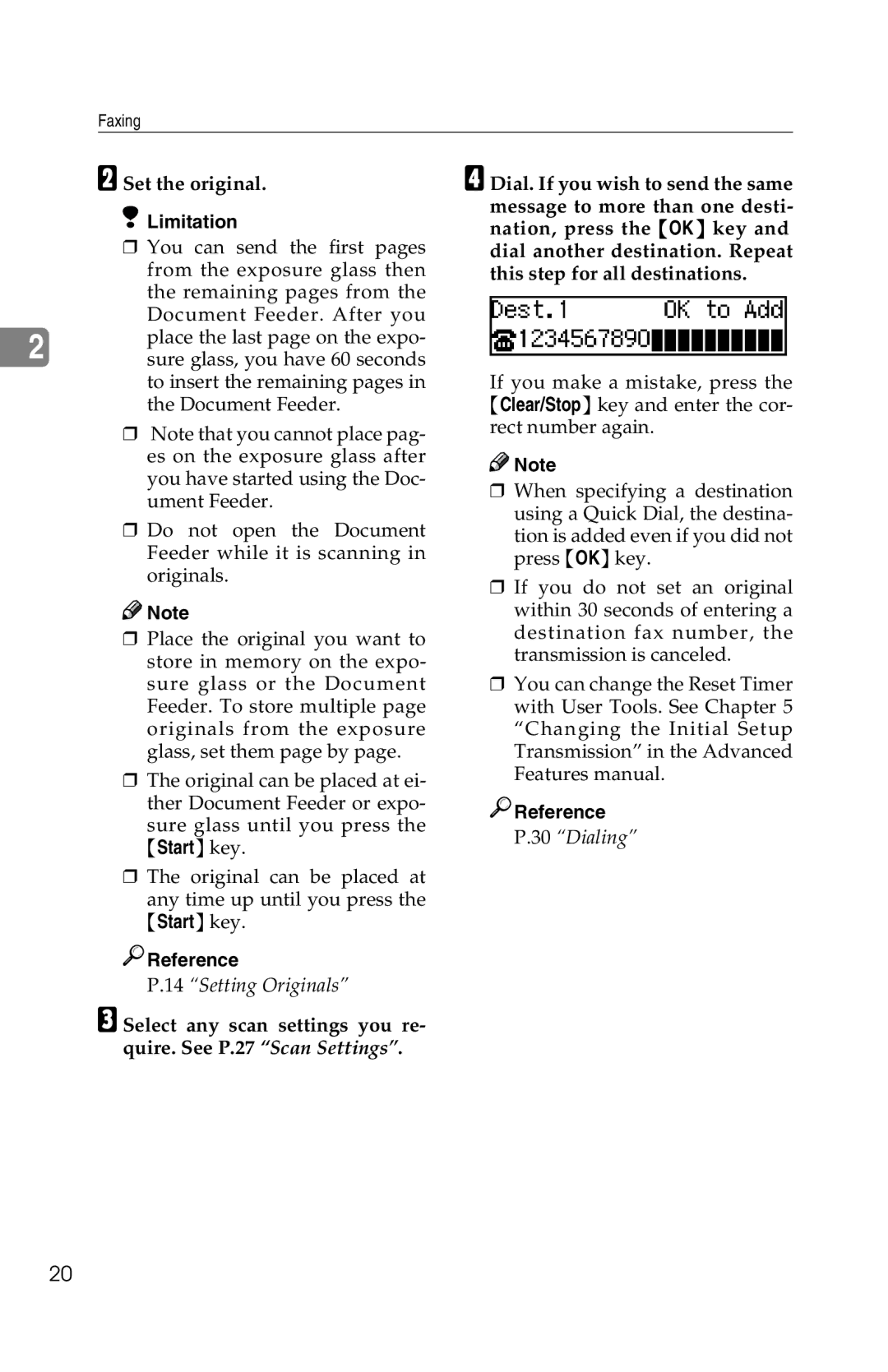
D Dial. If you wish to send the same message to more than one desti- nation, press the {OK} key and dial another destination. Repeat this step for all destinations.
If you make a mistake, press the {Clear/Stop} key and enter the cor- rect number again.

 Note
Note
❒When specifying a destination using a Quick Dial, the destina-
tion is added even if you did not press {OK} key.
❒If you do not set an original within 30 seconds of entering a destination fax number, the transmission is canceled.
❒You can change the Reset Timer with User Tools. See Chapter 5 “Changing the Initial Setup Transmission” in the Advanced Features manual.

 Reference
P.30 “Dialing”
20