|
| Using the printer menus |
|
Values: |
|
| |
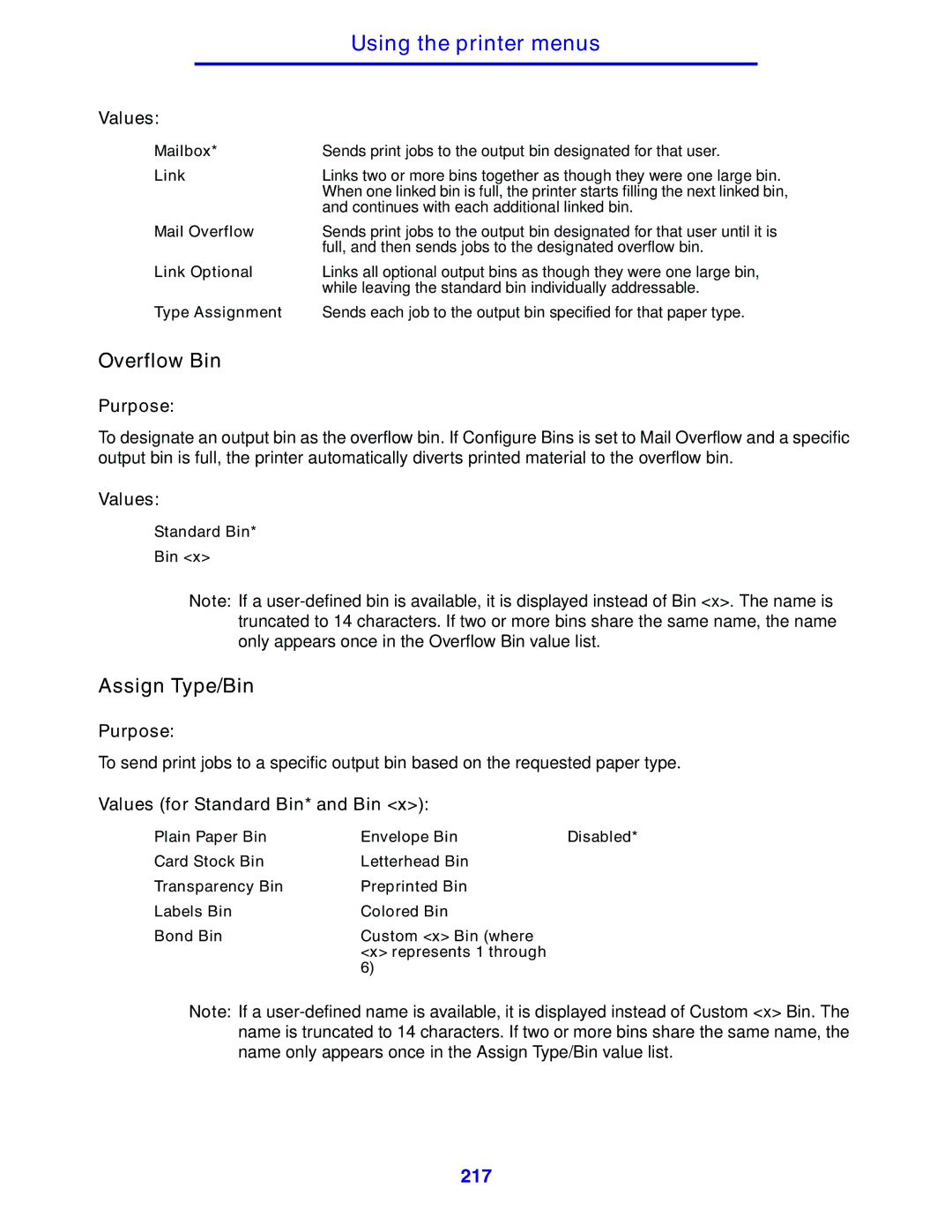
Mailbox* | Sends print jobs to the output bin designated for that user. | ||
Link | Links two or more bins together as though they were one large bin. | ||
|
| When one linked bin is full, the printer starts filling the next linked bin, | |
|
| and continues with each additional linked bin. | |
Mail Overflow | Sends print jobs to the output bin designated for that user until it is | ||
|
| full, and then sends jobs to the designated overflow bin. | |
Link Optional | Links all optional output bins as though they were one large bin, | ||
|
| while leaving the standard bin individually addressable. | |
Type Assignment | Sends each job to the output bin specified for that paper type. | ||
Overflow Bin
Purpose:
To designate an output bin as the overflow bin. If Configure Bins is set to Mail Overflow and a specific output bin is full, the printer automatically diverts printed material to the overflow bin.
Values:
Standard Bin*
Bin <x>
Note: If a
Assign Type/Bin
Purpose:
To send print jobs to a specific output bin based on the requested paper type.
Values (for Standard Bin* and Bin <x>):
Plain Paper Bin | Envelope Bin | Disabled* |
Card Stock Bin | Letterhead Bin |
|
Transparency Bin | Preprinted Bin |
|
Labels Bin | Colored Bin |
|
Bond Bin | Custom <x> Bin (where |
|
| <x> represents 1 through |
|
| 6) |
|
Note: If a
217