Chapter 12 StorNext Reports
The Library Information Report
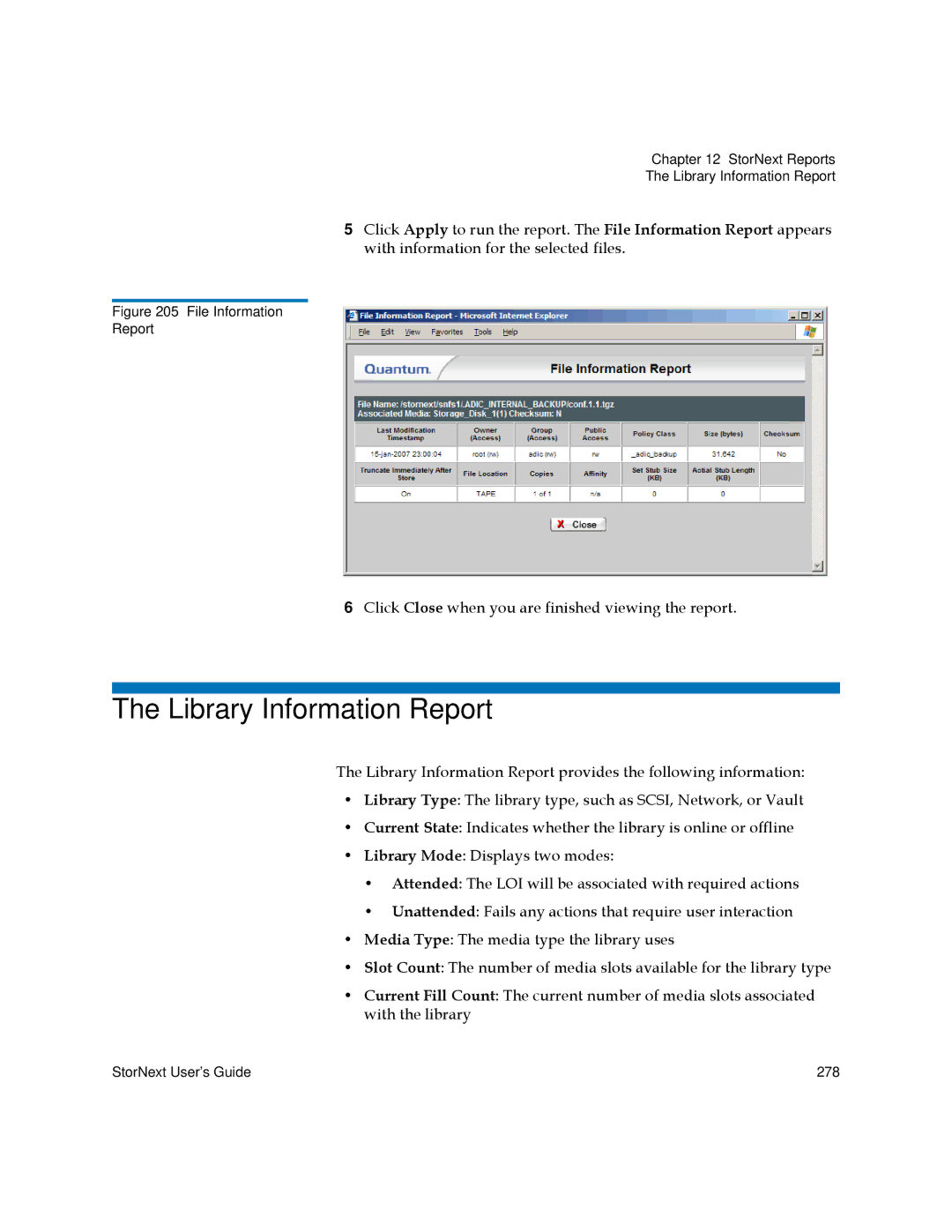
5Click Apply to run the report. The File Information Report appears with information for the selected files.
Figure 205 File Information
Report
6Click Close when you are finished viewing the report.
The Library Information Report
The Library Information Report provides the following information:
•Library Type: The library type, such as SCSI, Network, or Vault
•Current State: Indicates whether the library is online or offline
•Library Mode: Displays two modes:
•Attended: The LOI will be associated with required actions
•Unattended: Fails any actions that require user interaction
•Media Type: The media type the library uses
•Slot Count: The number of media slots available for the library type
•Current Fill Count: The current number of media slots associated with the library
StorNext User’s Guide | 278 |