Related Commands
4.3.11.10spanning-tree port-priority
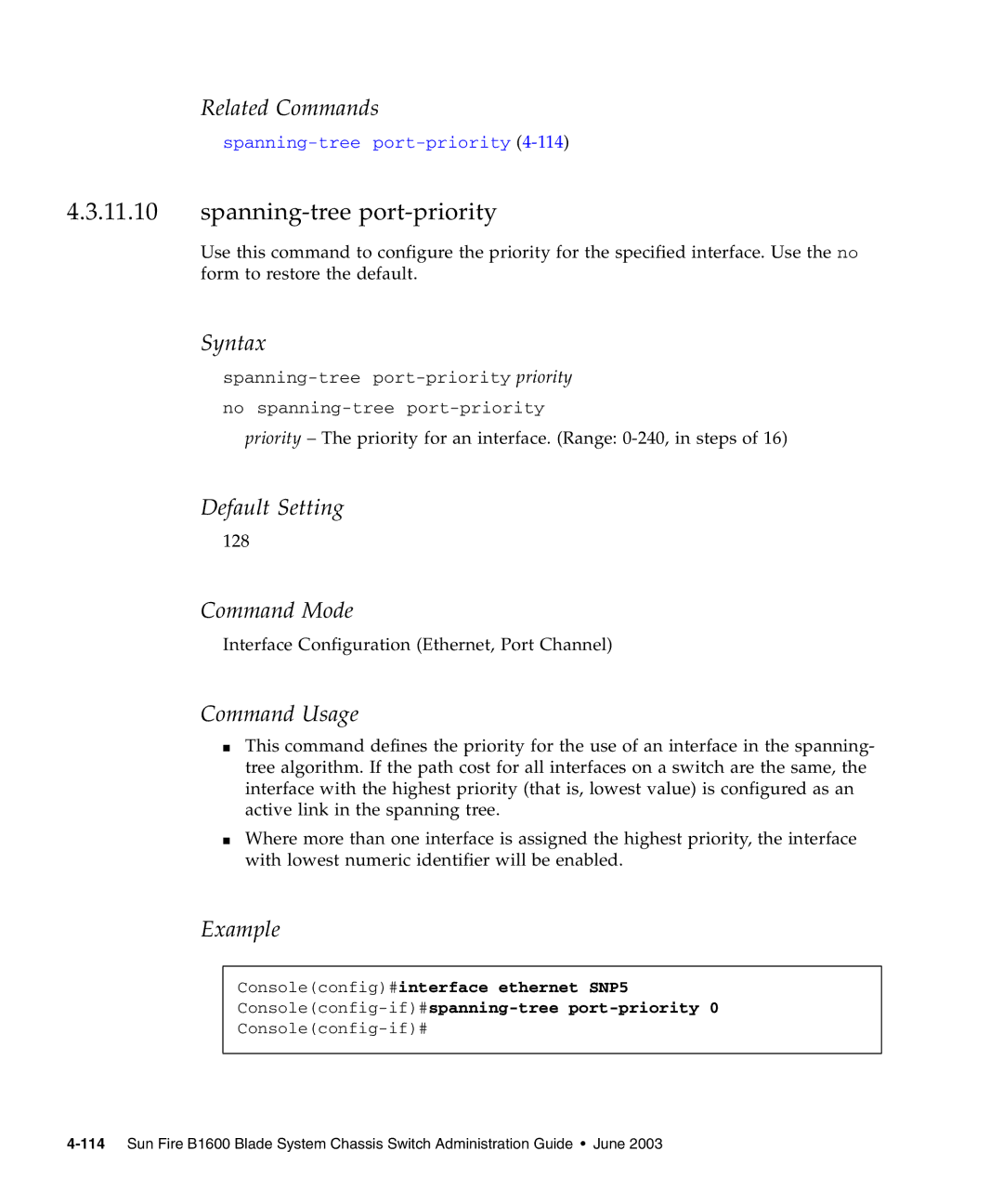
Use this command to configure the priority for the specified interface. Use the no form to restore the default.
Syntax
no
priority – The priority for an interface. (Range:
Default Setting
128
Command Mode
Interface Configuration (Ethernet, Port Channel)
Command Usage
■This command defines the priority for the use of an interface in the spanning- tree algorithm. If the path cost for all interfaces on a switch are the same, the interface with the highest priority (that is, lowest value) is configured as an active link in the spanning tree.
■Where more than one interface is assigned the highest priority, the interface with lowest numeric identifier will be enabled.
Example
Console(config)#interface ethernet SNP5