FUSER AREA:
32.Open the front left cover.
33.Use a soft cloth or paper towel to wipe up excess fuser oil on any surfaces.
34.Use a vacuum cleaner to remove chads, paper, or debris from the area.
35.Close the front left cover.
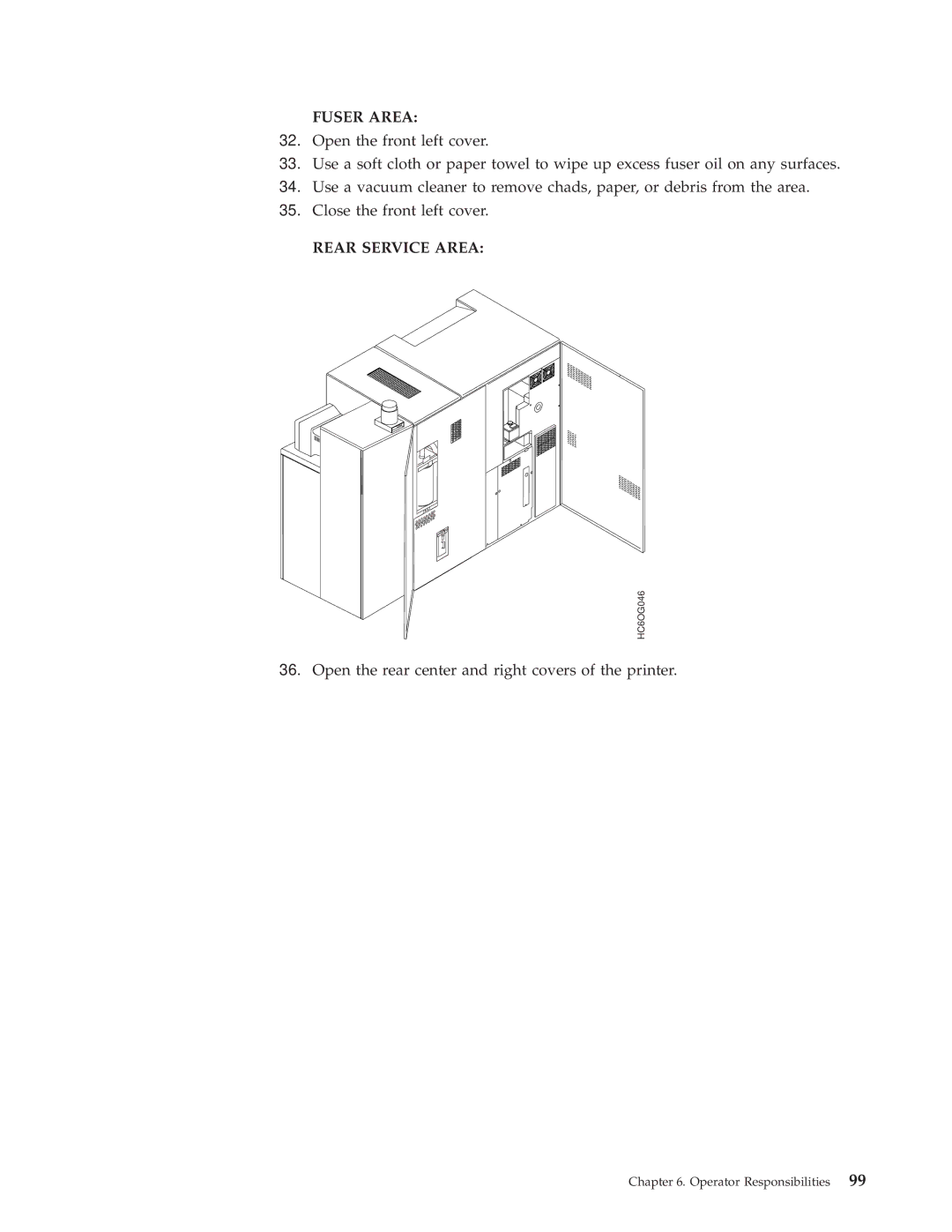
REAR SERVICE AREA:
HC6OG046
36.Open the rear center and right covers of the printer.