4-42 Configuring Your Server
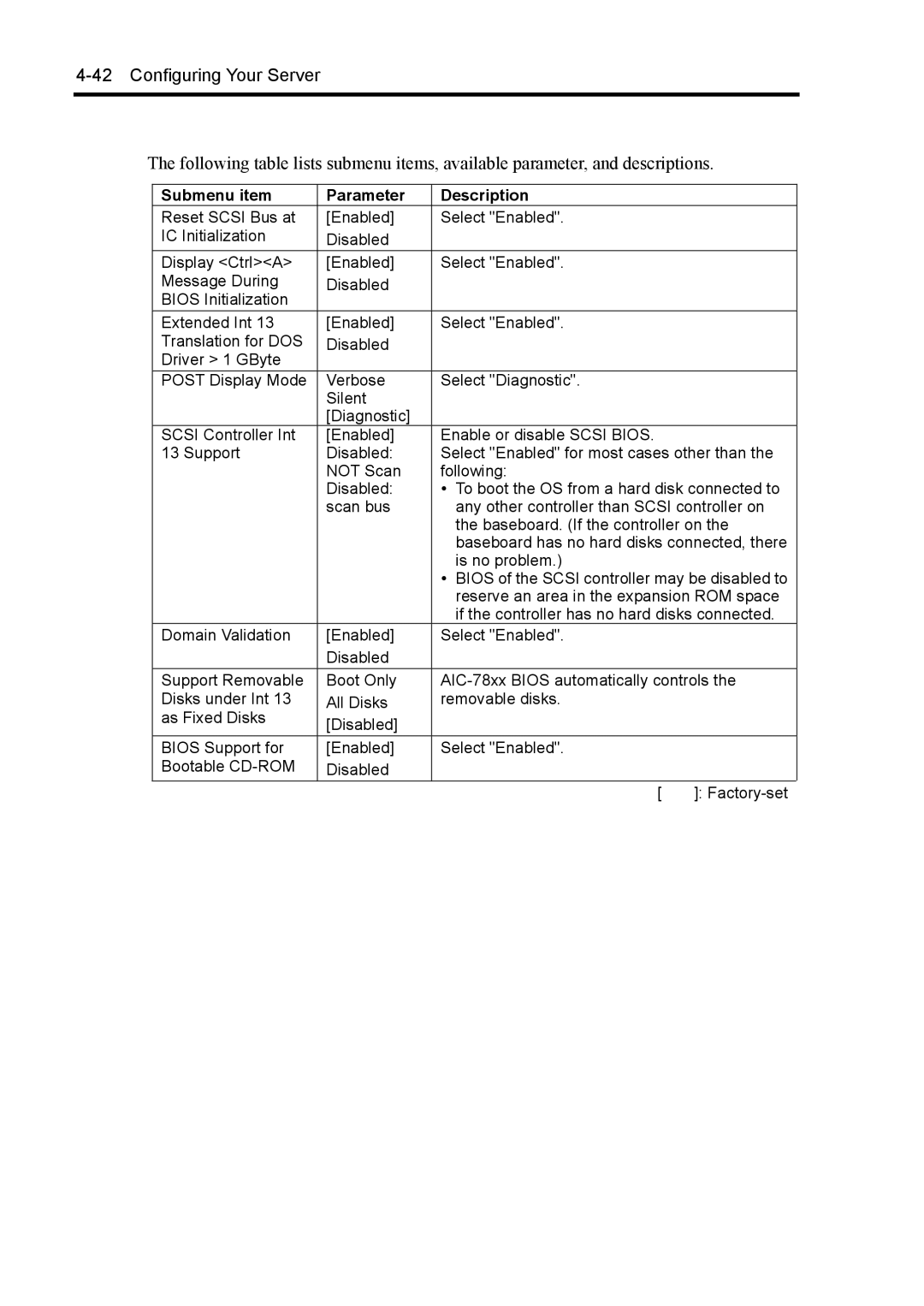
The following table lists submenu items, available parameter, and descriptions.
Submenu item | Parameter | Description |
| |
Reset SCSI Bus at | [Enabled] | Select "Enabled". |
| |
IC Initialization | Disabled |
|
|
|
Display <Ctrl><A> | [Enabled] | Select "Enabled". |
| |
Message During | Disabled |
|
|
|
BIOS Initialization |
|
|
|
|
Extended Int 13 | [Enabled] | Select "Enabled". |
| |
Translation for DOS | Disabled |
|
|
|
Driver > 1 GByte |
|
|
|
|
POST Display Mode | Verbose | Select "Diagnostic". |
| |
| Silent |
|
|
|
| [Diagnostic] |
|
|
|
SCSI Controller Int | [Enabled] | Enable or disable SCSI BIOS. |
| |
13 Support | Disabled: | Select "Enabled" for most cases other than the | ||
| NOT Scan | following: |
| |
| Disabled: | • | To boot the OS from a hard disk connected to | |
| scan bus |
| any other controller than SCSI controller on | |
|
|
| the baseboard. (If the controller on the | |
|
|
| baseboard has no hard disks connected, there | |
|
|
| is no problem.) |
|
|
| • | BIOS of the SCSI controller may be disabled to | |
|
|
| reserve an area in the expansion ROM space | |
|
|
| if the controller has no hard disks connected. | |
Domain Validation | [Enabled] | Select "Enabled". |
| |
| Disabled |
|
|
|
Support Removable | Boot Only | |||
Disks under Int 13 | All Disks | removable disks. |
| |
as Fixed Disks | [Disabled] |
|
|
|
|
|
|
| |
BIOS Support for | [Enabled] | Select "Enabled". |
| |
Bootable | Disabled |
|
|
|
|
|
| [ | ]: |