Initial
| removing and installing the transceivers are found in Chapter 12, |
| Hardware Maintenance. |
|
|
| This section provides information about the |
and Transceivers | configuration, cabling and optional transceivers. |
| The |
| interface card uses either short wave |
| |
| white and the |
| Connectors, and Adapters for the |
| Instructions for removing and installing the transceivers are found in |
| Chapter 12, Hardware Maintenance. |
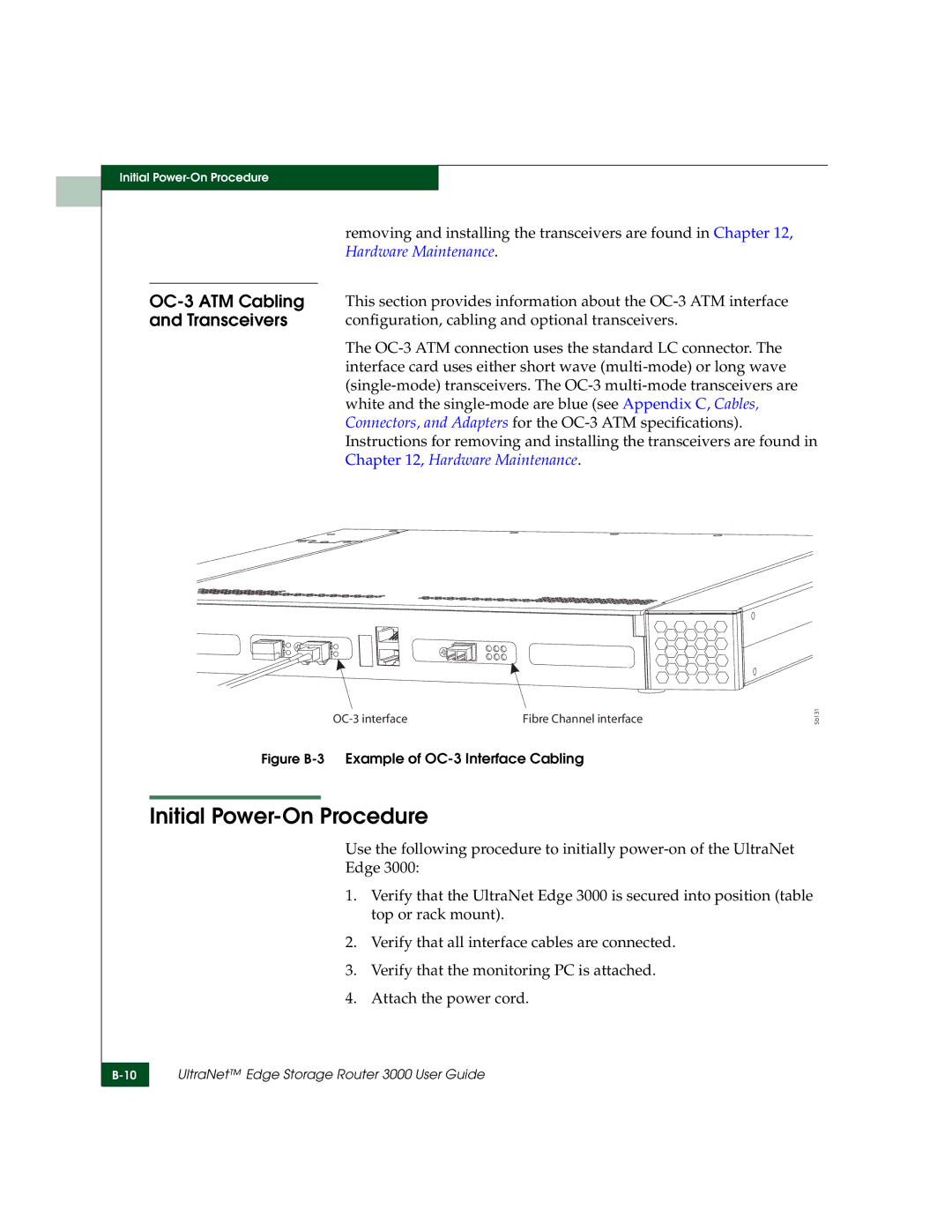
Fibre Channel interface |
Figure B-3 Example of OC-3 Interface Cabling
Initial Power-On Procedure
Sb131
Use the following procedure to initially
1.Verify that the UltraNet Edge 3000 is secured into position (table top or rack mount).
2.Verify that all interface cables are connected.
3.Verify that the monitoring PC is attached.
4.Attach the power cord.
UltraNet™ Edge Storage Router 3000 User Guide