Configuring a 2x2 Ethernet Wide Area Network
NOTE: If you need more detailed help, see the UltraNet ConfigManager Online
Help.
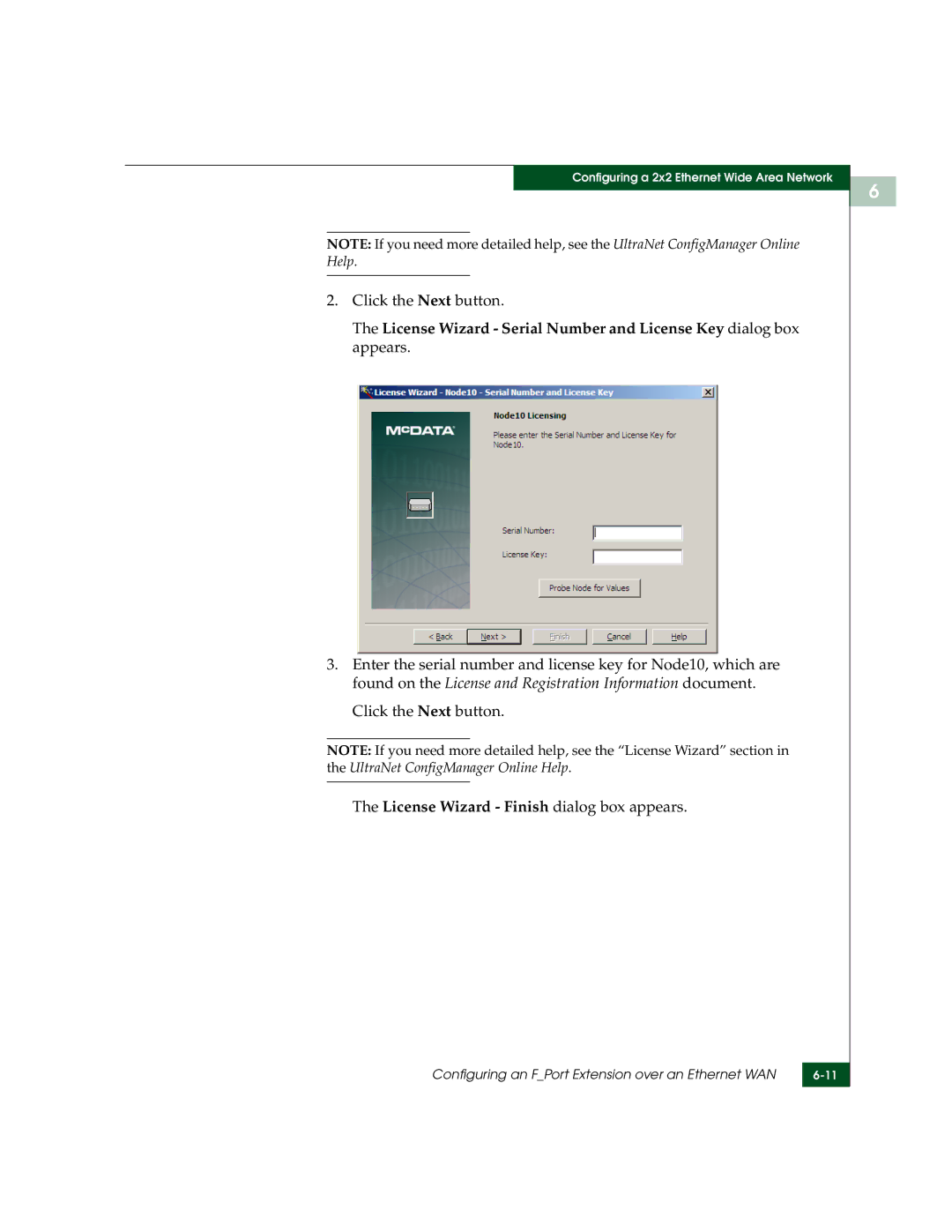
2.Click the Next button.
The License Wizard - Serial Number and License Key dialog box appears.
3.Enter the serial number and license key for Node10, which are found on the License and Registration Information document.
Click the Next button.
NOTE: If you need more detailed help, see the “License Wizard” section in the UltraNet ConfigManager Online Help.
The License Wizard - Finish dialog box appears.
Configuring an F_Port Extension over an Ethernet WAN | |
|
|
6