Creating Data Paths for Fibre Channel Switch Interfaces
Configuring a 2x2 Ethernet Wide Area Network
To view details about this circuit and its provider interfaces,
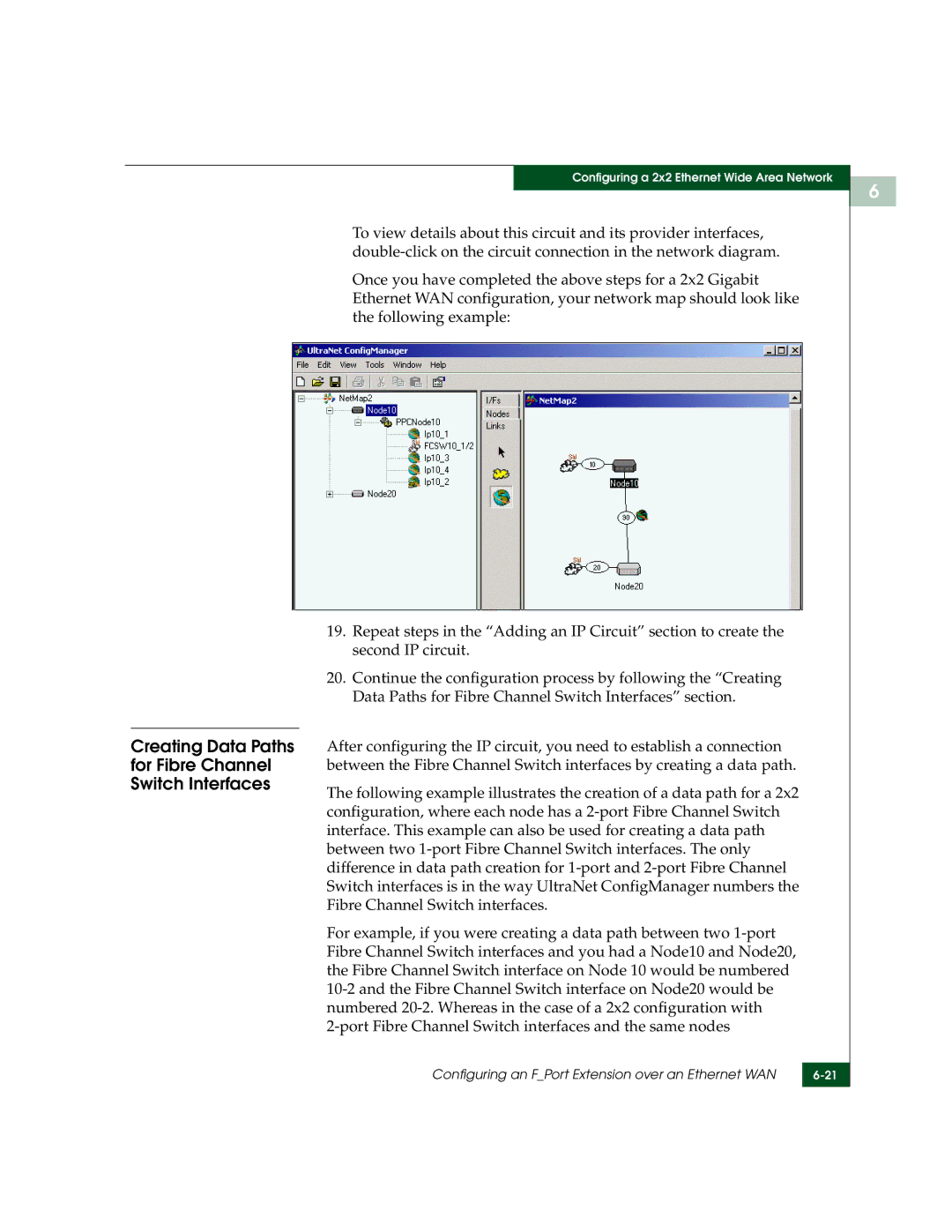
Once you have completed the above steps for a 2x2 Gigabit Ethernet WAN configuration, your network map should look like the following example:
19.Repeat steps in the “Adding an IP Circuit” section to create the second IP circuit.
20.Continue the configuration process by following the “Creating Data Paths for Fibre Channel Switch Interfaces” section.
After configuring the IP circuit, you need to establish a connection between the Fibre Channel Switch interfaces by creating a data path.
The following example illustrates the creation of a data path for a 2x2 configuration, where each node has a
For example, if you were creating a data path between two
Configuring an F_Port Extension over an Ethernet WAN | |
|
|
6