Delivering the Configured Network
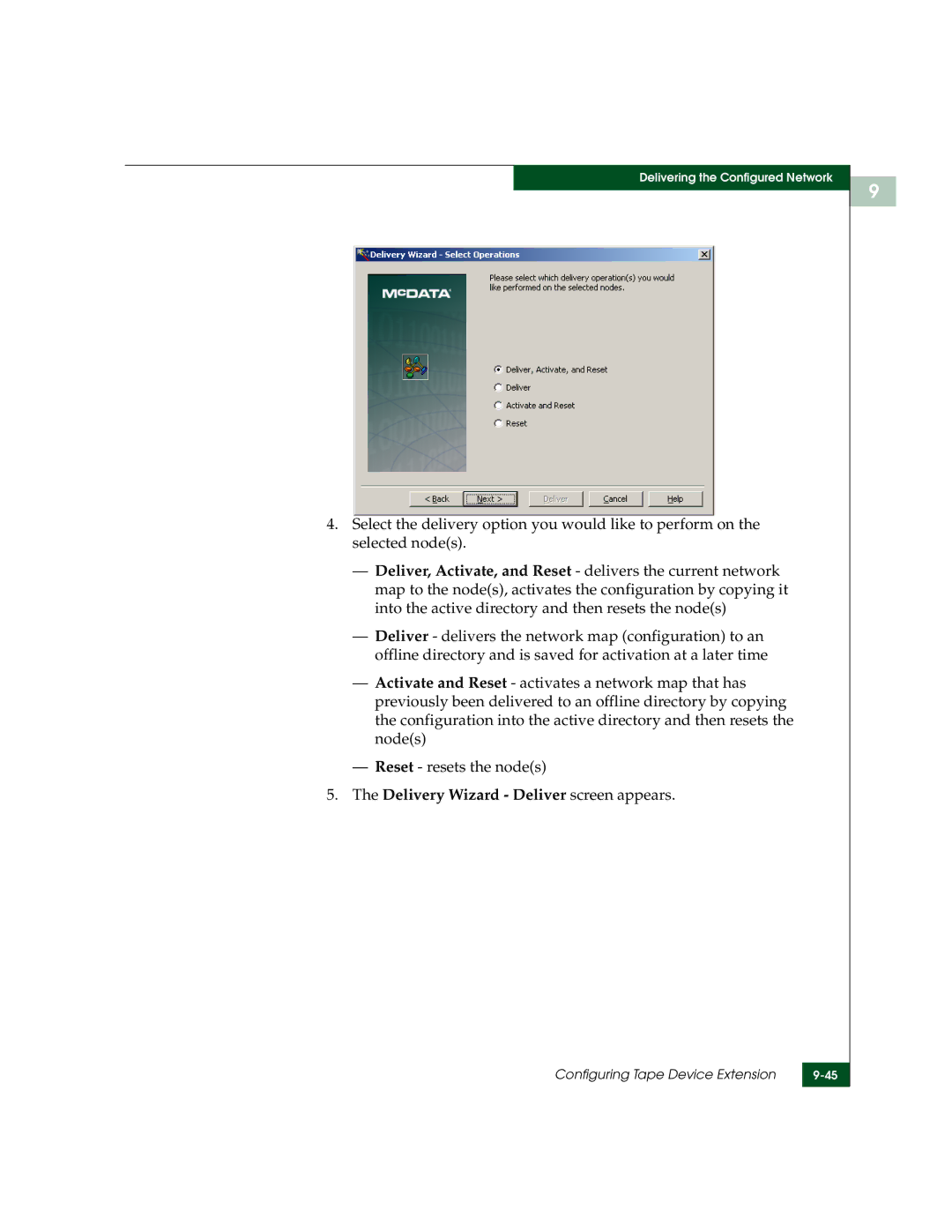
4.Select the delivery option you would like to perform on the selected node(s).
—Deliver, Activate, and Reset - delivers the current network map to the node(s), activates the configuration by copying it into the active directory and then resets the node(s)
—Deliver - delivers the network map (configuration) to an offline directory and is saved for activation at a later time
—Activate and Reset - activates a network map that has previously been delivered to an offline directory by copying the configuration into the active directory and then resets the node(s)
—Reset - resets the node(s)
5.The Delivery Wizard - Deliver screen appears.
Configuring Tape Device Extension | |
|
|
9