Configuring a 1x1 Ethernet Wide Area Network
•The options selectable from this dialog box are limited by the license key for the node. If the license key does not provide support for the Fail Over and Load Balancing network routing types, only the Dedicated Circuit network routing type is selectable, and all other options on this dialog are grayed out.
•If you have not entered the licensing information for each node in the circuit using the License Wizard, only the Dedicated Circuit network routing type is selectable from this dialog box.
•If you want to change the Network Routing Type after you have created the data paths,
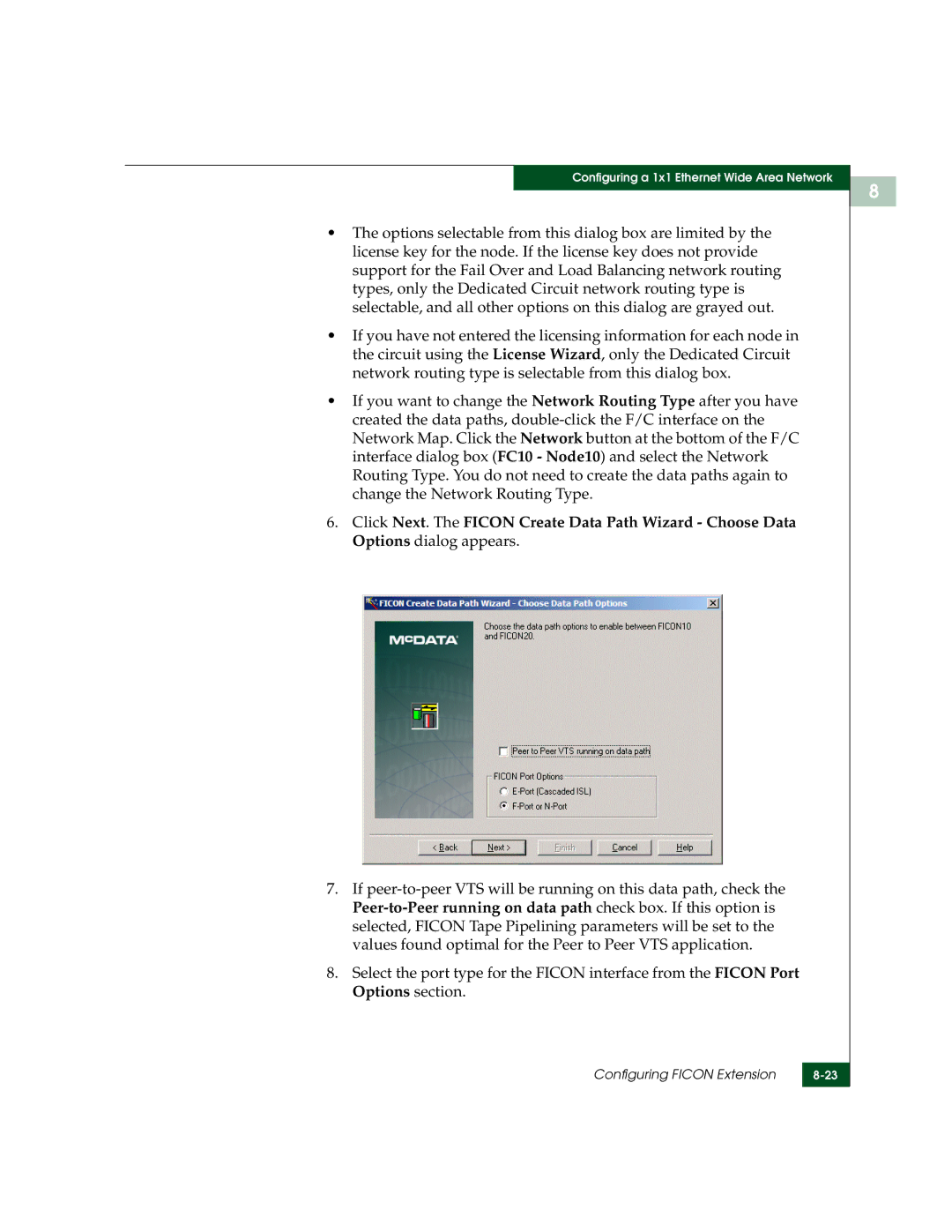
6.Click Next. The FICON Create Data Path Wizard - Choose Data Options dialog appears.
7.If
8.Select the port type for the FICON interface from the FICON Port Options section.
Configuring FICON Extension | |
|
|
8