9
Delivering the Configured Network
|
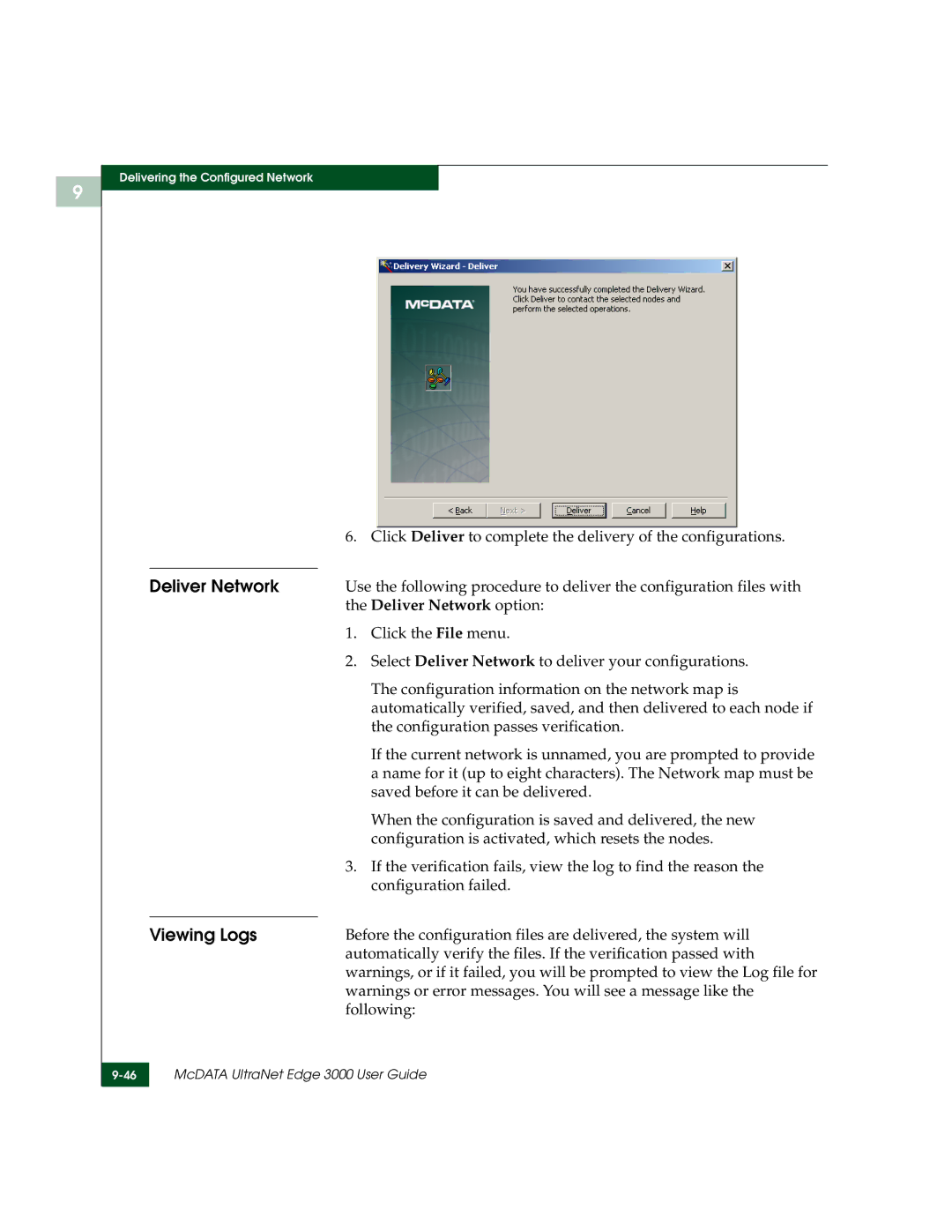
| 6. Click Deliver to complete the delivery of the configurations. |
|
|
|
| Deliver Network | Use the following procedure to deliver the configuration files with |
|
| the Deliver Network option: |
|
| 1. Click the File menu. |
|
| 2. Select Deliver Network to deliver your configurations. |
|
| The configuration information on the network map is |
|
| automatically verified, saved, and then delivered to each node if |
|
| the configuration passes verification. |
|
| If the current network is unnamed, you are prompted to provide |
|
| a name for it (up to eight characters). The Network map must be |
|
| saved before it can be delivered. |
|
| When the configuration is saved and delivered, the new |
|
| configuration is activated, which resets the nodes. |
|
| 3. If the verification fails, view the log to find the reason the |
|
| configuration failed. |
|
|
|
| Viewing Logs | Before the configuration files are delivered, the system will |
|
| automatically verify the files. If the verification passed with |
|
| warnings, or if it failed, you will be prompted to view the Log file for |
|
| warnings or error messages. You will see a message like the |
|
| following: |
| McDATA UltraNet Edge 3000 User Guide | |
|
|
|