Configuring a 2x2 Ethernet Wide Area Network
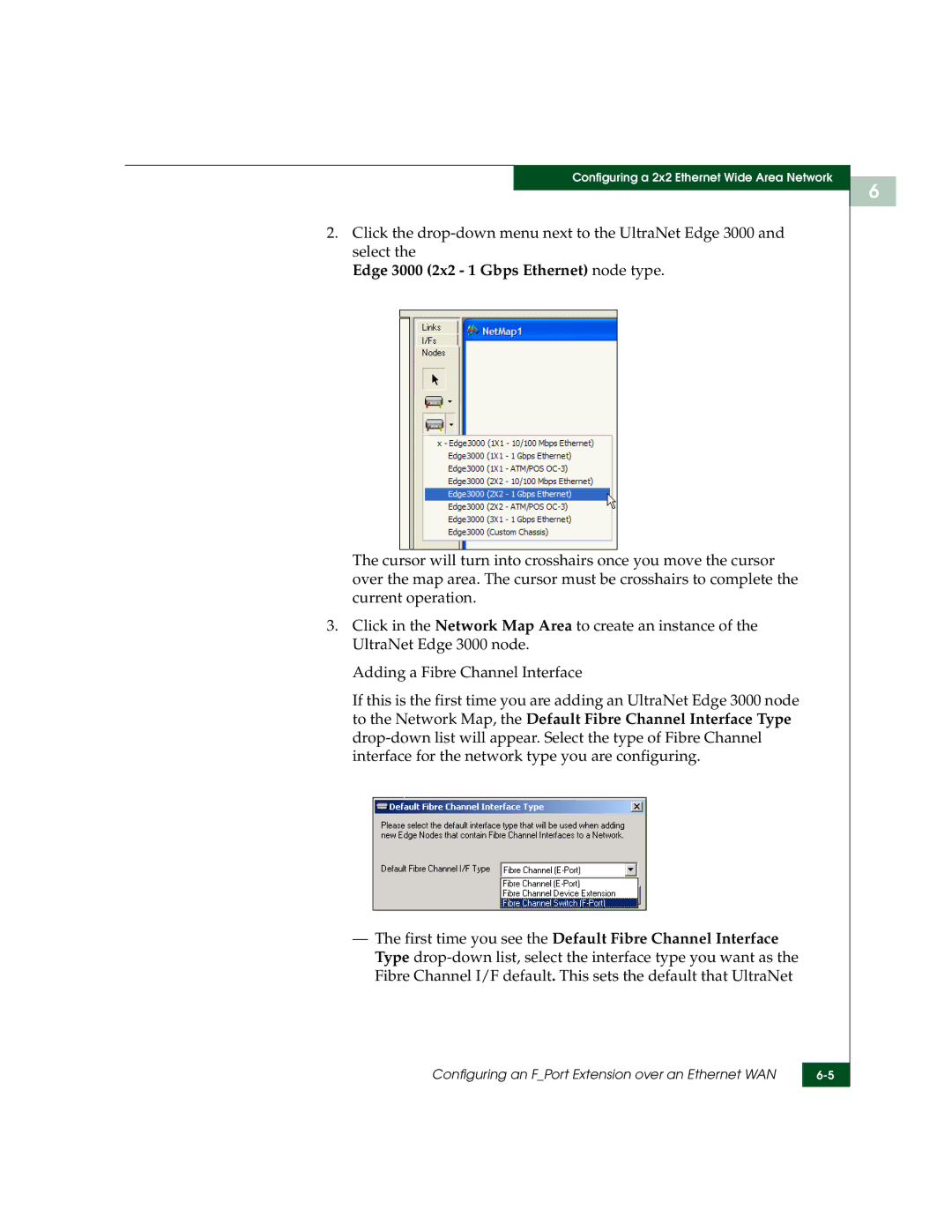
2.Click the
Edge 3000 (2x2 - 1 Gbps Ethernet) node type.
The cursor will turn into crosshairs once you move the cursor over the map area. The cursor must be crosshairs to complete the current operation.
3.Click in the Network Map Area to create an instance of the UltraNet Edge 3000 node.
Adding a Fibre Channel Interface
If this is the first time you are adding an UltraNet Edge 3000 node to the Network Map, the Default Fibre Channel Interface Type
—The first time you see the Default Fibre Channel Interface Type
Configuring an F_Port Extension over an Ethernet WAN | |
|
|
6