13
UltraNet Edge 3000 Diagnostic Programs
***** | Incr Byte | passed = 1, | |
failed = | 0 |
|
|
***** | Incr Byte | passed = 1, | |
failed = | 0 |
|
|
Test 12, | Lpbk Flow Thru CRC Test running... |
| |
***** | CRC Test | passed = 1, | |
failed = | 0 |
|
|
***** | CRC Test | passed = 1, | |
failed = | 0 |
|
|
Test 13, | Lpbk TX Gather Test running... |
| |
***** | Test | passed = 1, | |
failed = | 0 |
|
|
***** | Test | passed = 1, | |
failed = | 0 |
|
|
Test 17, | LED Visual Blink Test | running... |
|
***** | passed = 1, | ||
failed = | 0 |
|
|
***** | passed = 1, | ||
failed = | 0 |
|
|
*> SBTM Fibre Channel BB Diagnostic Test Rev. 1.1 - May 04, 2003 <*
Ethernet Diagnostic The UltraNet Edge 3000 10/100 Ethernet diagnostic program resides
Program (E10T) on the UltraNet Edge 3000’s flash drive as the file e10t.dll. Using the PROM interface, the file must be loaded into memory and executed from there.
NOTE: A Serial Connection should be used to run this diagnostic, see “Serial
Interface Connection” in this chapter.
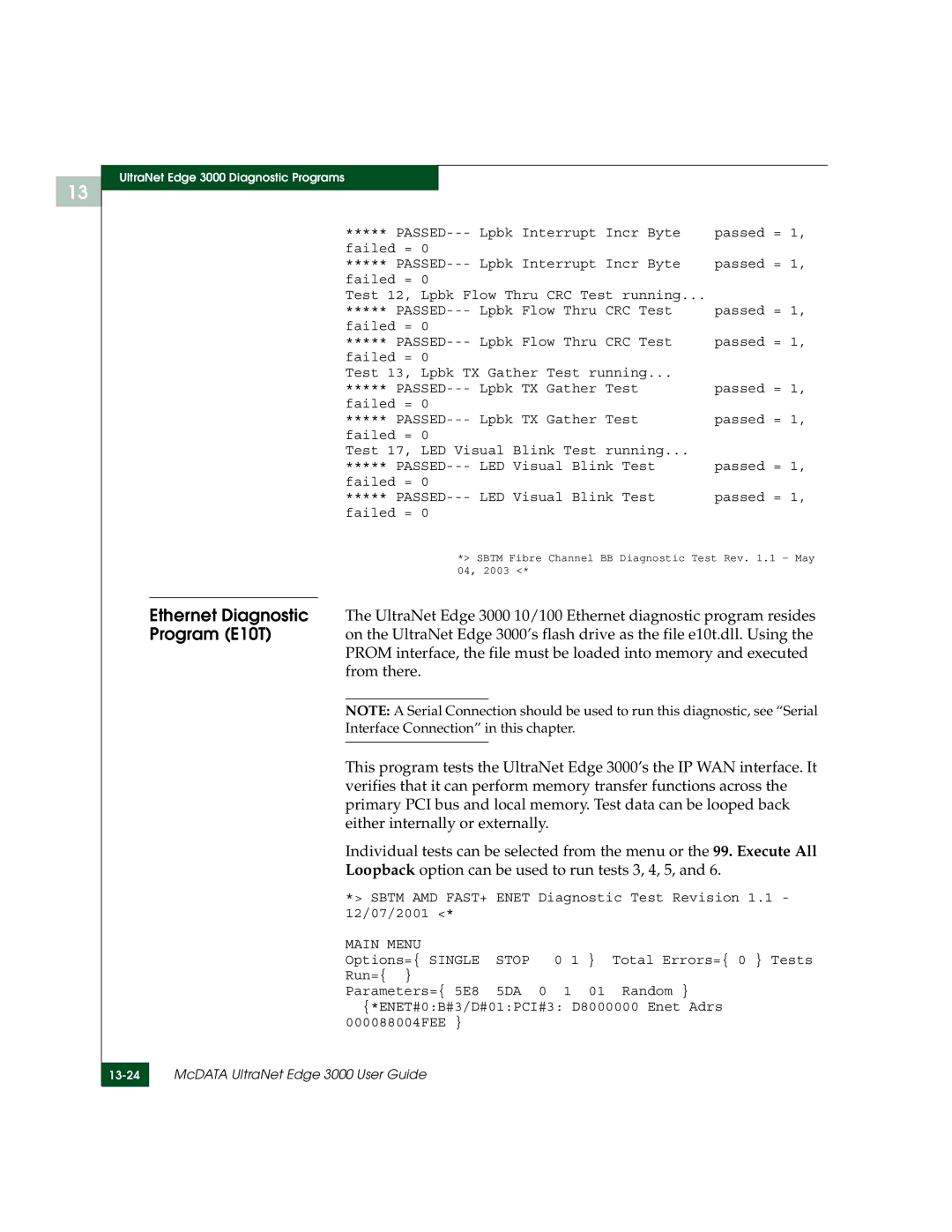
This program tests the UltraNet Edge 3000’s the IP WAN interface. It verifies that it can perform memory transfer functions across the primary PCI bus and local memory. Test data can be looped back either internally or externally.
Individual tests can be selected from the menu or the 99. Execute All
Loopback option can be used to run tests 3, 4, 5, and 6.
*> SBTM AMD FAST+ ENET Diagnostic Test Revision 1.1 - 12/07/2001 <*
MAIN MENU |
|
|
Options={ SINGLE | STOP | 0 1 } Total Errors={ 0 } Tests |
Run={ } |
|
|
Parameters={ 5E8 | 5DA | 0 1 01 Random } |
{*ENET#0:B#3/D#01:PCI#3: D8000000 Enet Adrs 000088004FEE }
McDATA UltraNet Edge 3000 User Guide | |
|
|