Assigning Secure HTTP Sessions an Authentication Sequence
1 Open the Select Authentication page.
2 Select an authentication sequence in the Secure HTTP field. 3 Click Apply Changes.
Secure HTTP sessions are assigned an authentication sequence.
Assigning Access Authentication Profiles or Sequences Using CLI Commands
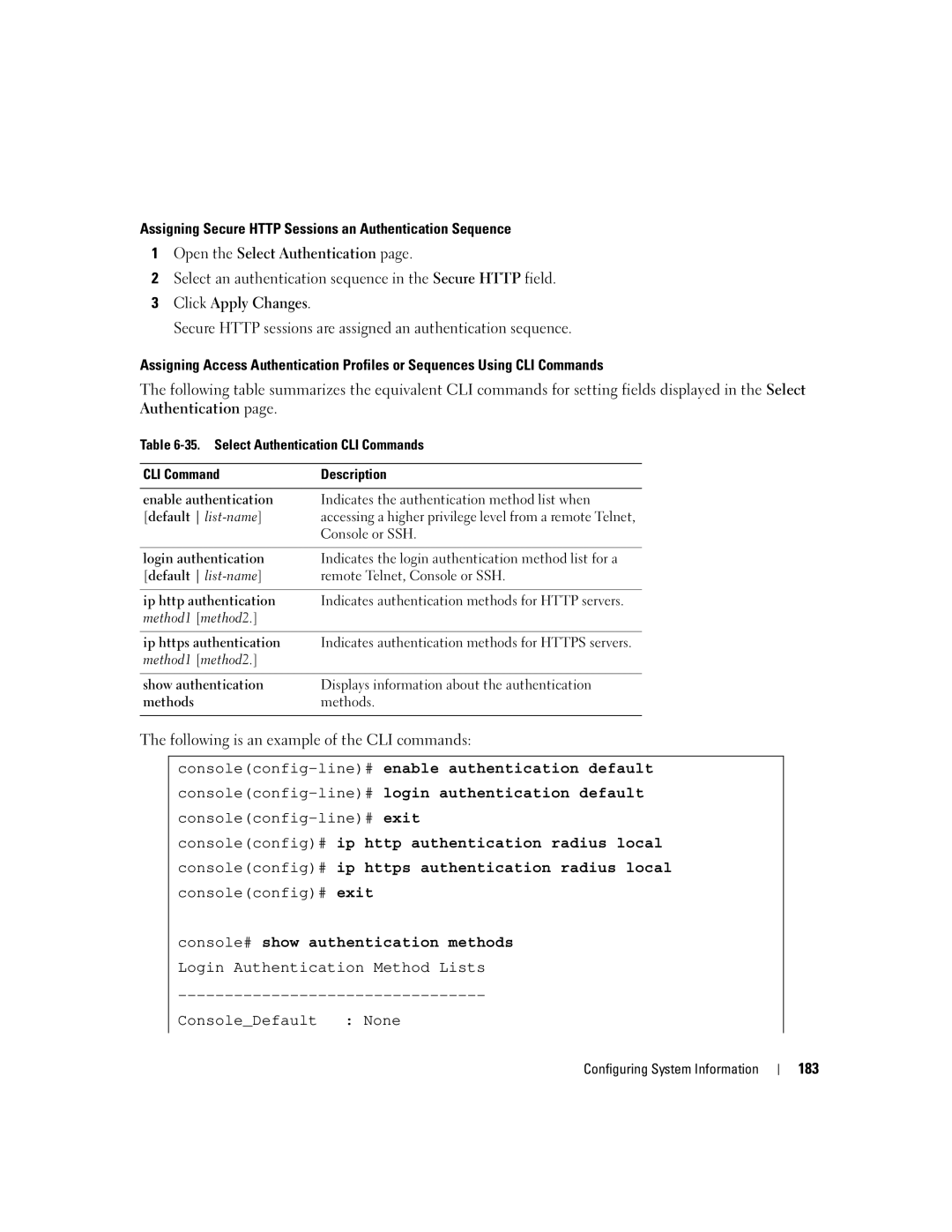
The following table summarizes the equivalent CLI commands for setting fields displayed in the Select Authentication page.
Table
CLI Command | Description |
|
|
enable authentication | Indicates the authentication method list when |
[default | accessing a higher privilege level from a remote Telnet, |
| Console or SSH. |
|
|
login authentication | Indicates the login authentication method list for a |
[default | remote Telnet, Console or SSH. |
|
|
ip http authentication | Indicates authentication methods for HTTP servers. |
method1 [method2.] |
|
|
|
ip https authentication | Indicates authentication methods for HTTPS servers. |
method1 [method2.] |
|
|
|
show authentication | Displays information about the authentication |
methods | methods. |
|
|
The following is an example of the CLI commands:
console(config)# ip http authentication radius local console(config)# ip https authentication radius local console(config)# exit
console# show authentication methods Login Authentication Method Lists
Console_Default : None
Configuring System Information
183