Defining Device RMON Events
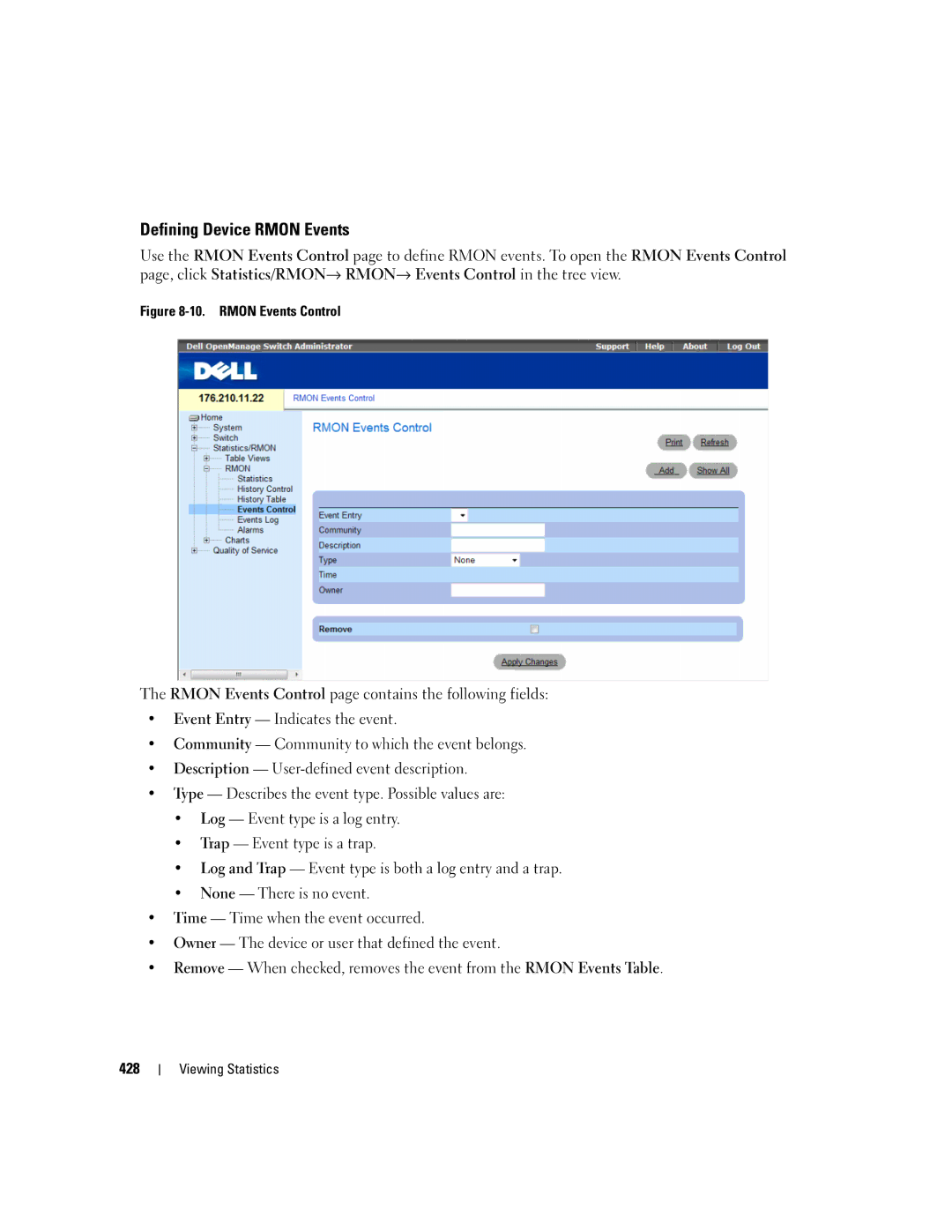
Use the RMON Events Control page to define RMON events. To open the RMON Events Control page, click Statistics/RMON→ RMON→ Events Control in the tree view.
Figure 8-10. RMON Events Control
The RMON Events Control page contains the following fields:
•Event Entry — Indicates the event.
•Community — Community to which the event belongs.
•Description —
•Type — Describes the event type. Possible values are:
•Log — Event type is a log entry.
•Trap — Event type is a trap.
•Log and Trap — Event type is both a log entry and a trap.
•None — There is no event.
•Time — Time when the event occurred.
•Owner — The device or user that defined the event.
•Remove — When checked, removes the event from the RMON Events Table.
428