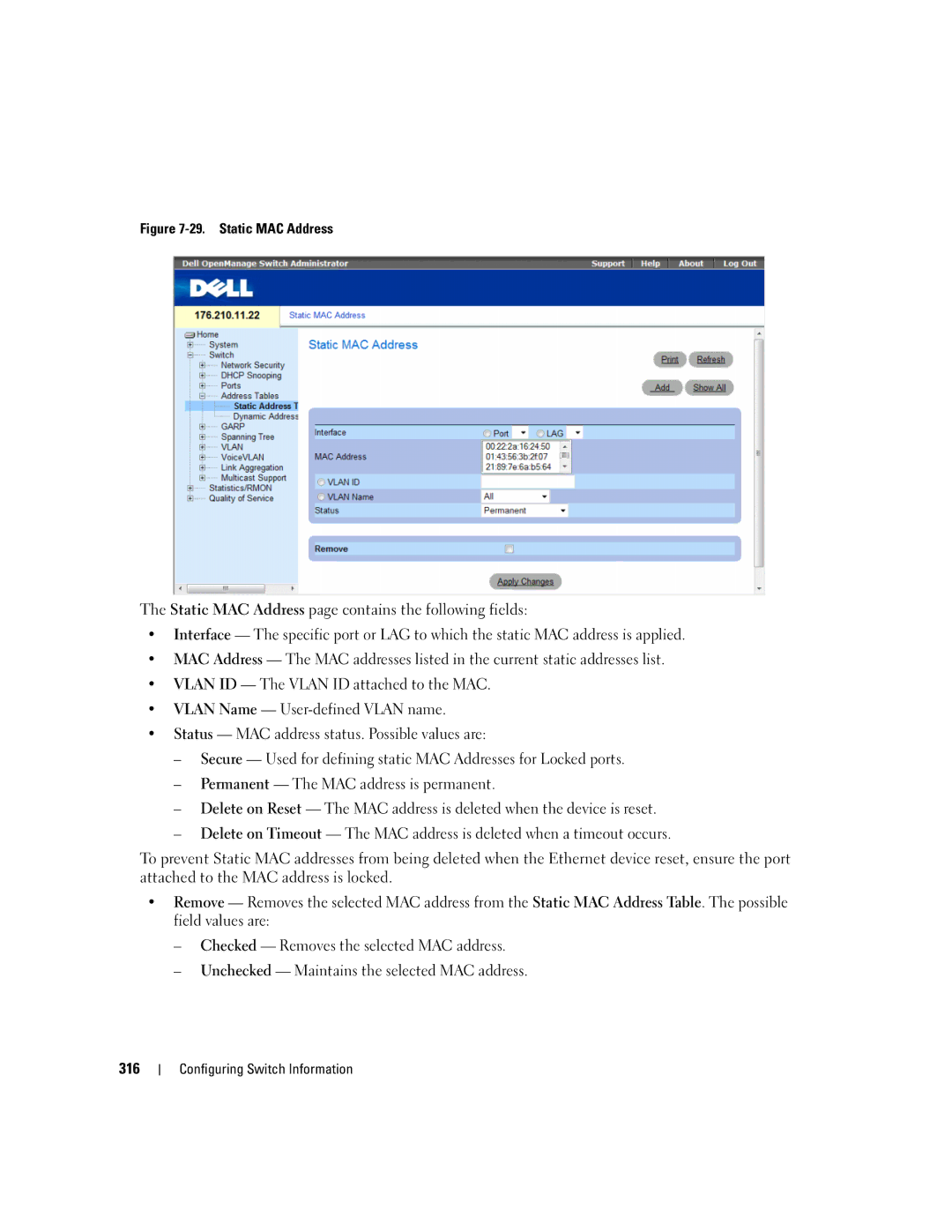
Figure 7-29. Static MAC Address
The Static MAC Address page contains the following fields:
•Interface — The specific port or LAG to which the static MAC address is applied.
•MAC Address — The MAC addresses listed in the current static addresses list.
•VLAN ID — The VLAN ID attached to the MAC.
•VLAN Name —
•Status — MAC address status. Possible values are:
–Secure — Used for defining static MAC Addresses for Locked ports.
–Permanent — The MAC address is permanent.
–Delete on Reset — The MAC address is deleted when the device is reset.
–Delete on Timeout — The MAC address is deleted when a timeout occurs.
To prevent Static MAC addresses from being deleted when the Ethernet device reset, ensure the port attached to the MAC address is locked.
•Remove — Removes the selected MAC address from the Static MAC Address Table. The possible field values are:
–Checked — Removes the selected MAC address.
–Unchecked — Maintains the selected MAC address.
316