Defining LLDP MED Network Policy
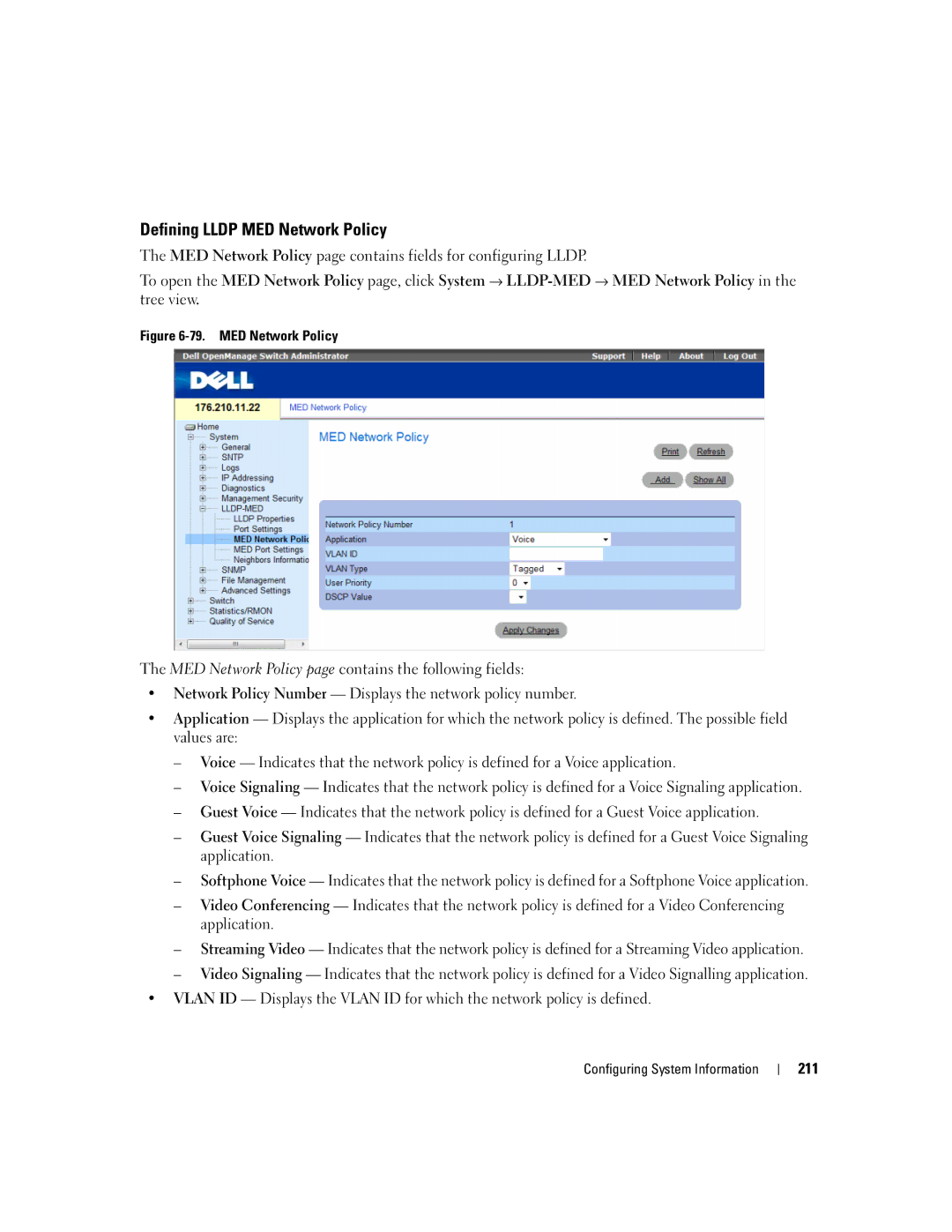
The MED Network Policy page contains fields for configuring LLDP.
To open the MED Network Policy page, click System →
Figure 6-79. MED Network Policy
The MED Network Policy page contains the following fields:
•Network Policy Number — Displays the network policy number.
•Application — Displays the application for which the network policy is defined. The possible field values are:
–Voice — Indicates that the network policy is defined for a Voice application.
–Voice Signaling — Indicates that the network policy is defined for a Voice Signaling application.
–Guest Voice — Indicates that the network policy is defined for a Guest Voice application.
–Guest Voice Signaling — Indicates that the network policy is defined for a Guest Voice Signaling application.
–Softphone Voice — Indicates that the network policy is defined for a Softphone Voice application.
–Video Conferencing — Indicates that the network policy is defined for a Video Conferencing application.
–Streaming Video — Indicates that the network policy is defined for a Streaming Video application.
–Video Signaling — Indicates that the network policy is defined for a Video Signalling application.
•VLAN ID — Displays the VLAN ID for which the network policy is defined.
Configuring System Information
211