The GVRP Global Parameters page enables GVRP globally. GVRP can also be enabled on a
To open the GVRP Global Parameters page, click Switch → VLAN → GVRP Parameters in the tree view.
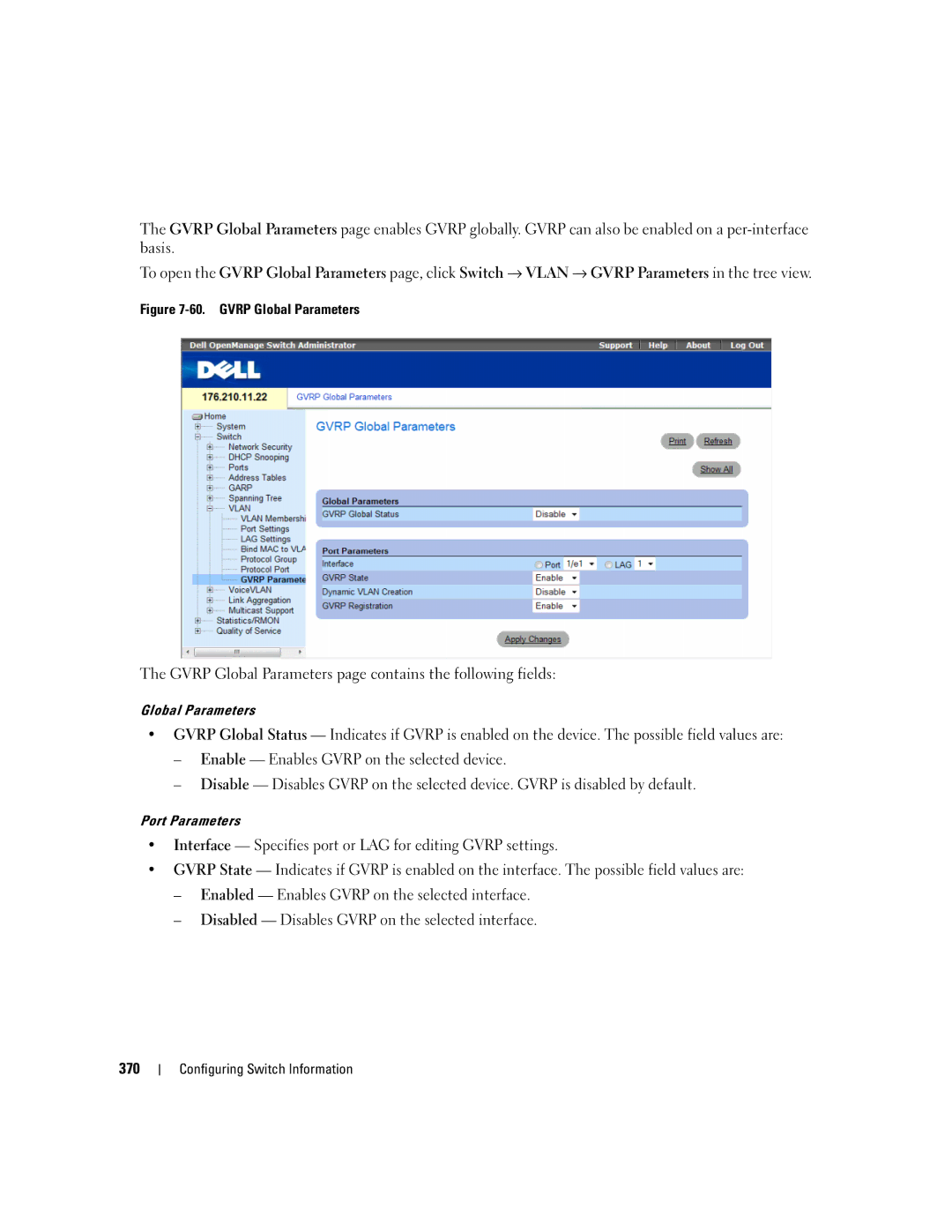
Figure 7-60. GVRP Global Parameters
The GVRP Global Parameters page contains the following fields:
Global Parameters
•GVRP Global Status — Indicates if GVRP is enabled on the device. The possible field values are:
–Enable — Enables GVRP on the selected device.
–Disable — Disables GVRP on the selected device. GVRP is disabled by default.
Port Parameters
•Interface — Specifies port or LAG for editing GVRP settings.
•GVRP State — Indicates if GVRP is enabled on the interface. The possible field values are:
–Enabled — Enables GVRP on the selected interface.
–Disabled — Disables GVRP on the selected interface.
370